Analytics
In this section, you'll learn about the analytics capabilities available in Local SEO. Use these insights to measure performance, track customer interactions, and optimize your local search strategies.
What is analytics in Local SEO?
Analytics in Local SEO provide valuable insights into how a business is performing on search platforms Google and Bing. By tracking key metrics, businesses can better understand customer interactions, refine their digital marketing strategies, and optimize local search presence.
Google business profile insights in Local SEO
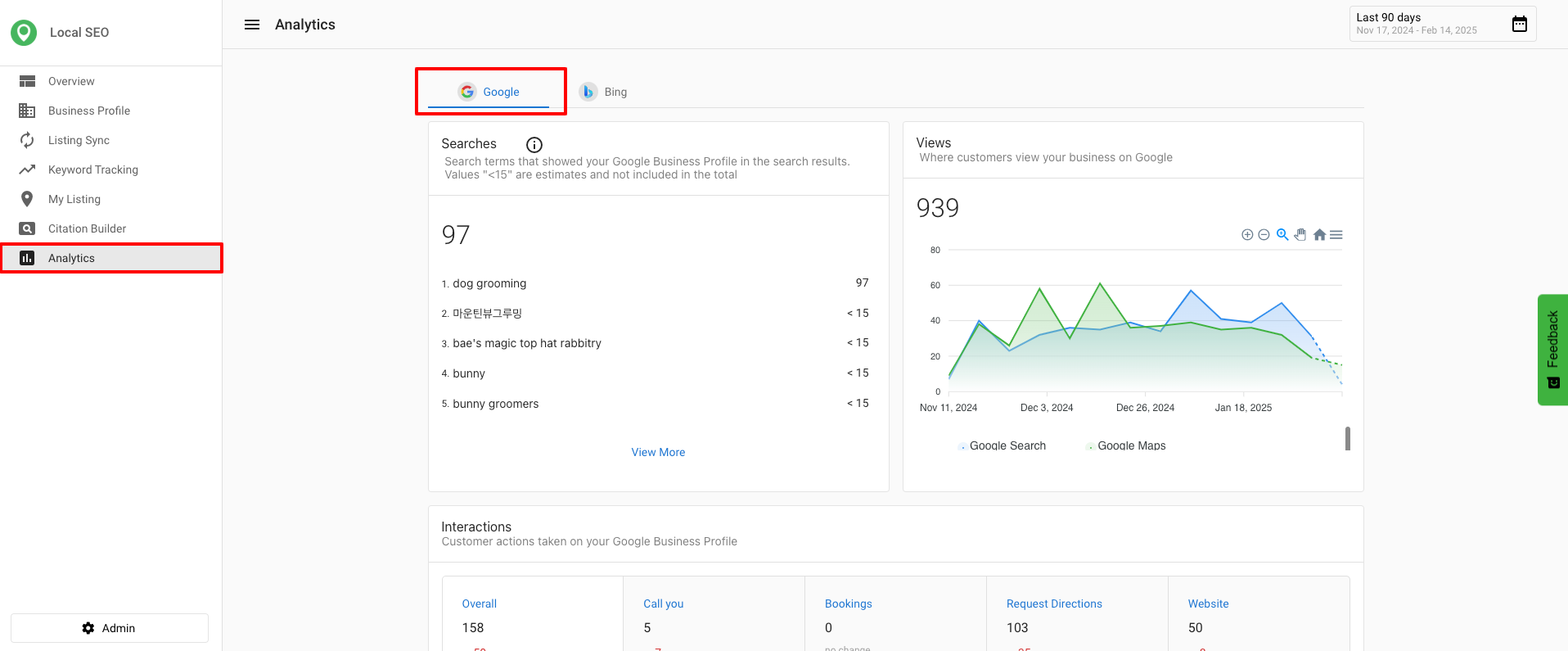
Google Business Profile Insights provide a detailed overview of how customers find and interact with a business on Google. These metrics help businesses assess their online visibility and customer engagement.
Key Google metrics available in Local SEO
- Search Terms – Displays the queries people use to find a business. (Available in Local SEO and Executive Report.)
- Search Total – Shows the total number of searches where the business appeared. (Available in Local SEO, Executive Report, Multi-Location, and Multi-Location Executive Report.)
- Customer Interaction [Bookings] – Tracks completed customer bookings. (Available in Local SEO, Executive Report, Multi-Location, and Multi-Location Executive Report.)
Google updates the Searches metric at the beginning of each month, and it may take up to five days to reflect new data.
Accessing Google business profile analytics in Local SEO
- Go to
Local SEO>Analytics>Google. - Click
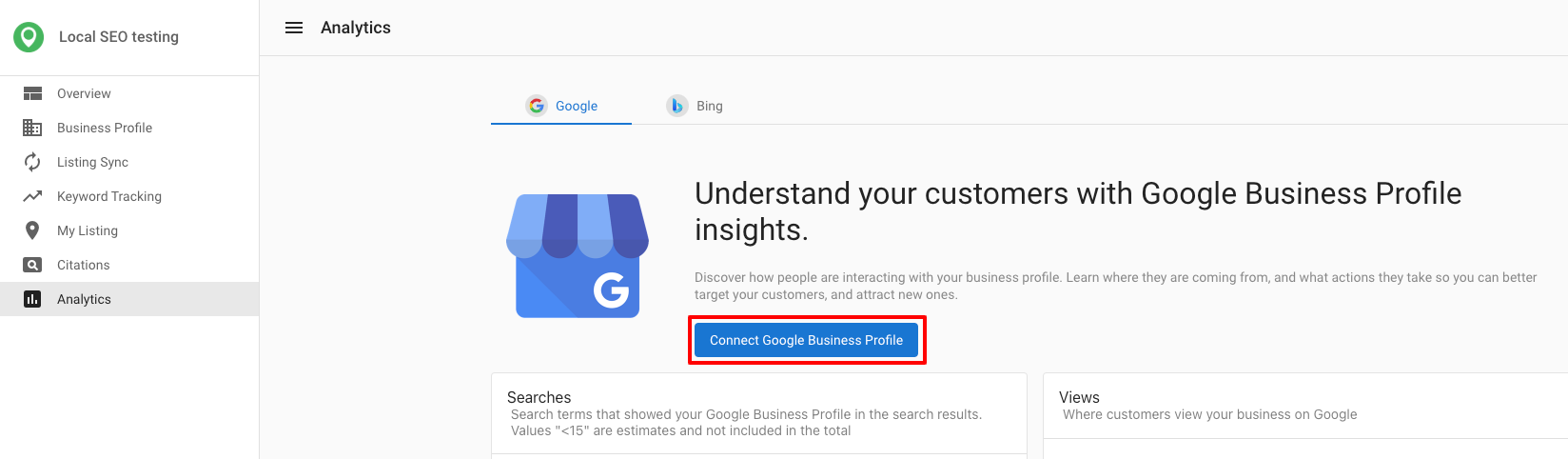
Connect Google Business Profile. If you do not have an account, clickCreate a Google Business Profile accountto sign up.
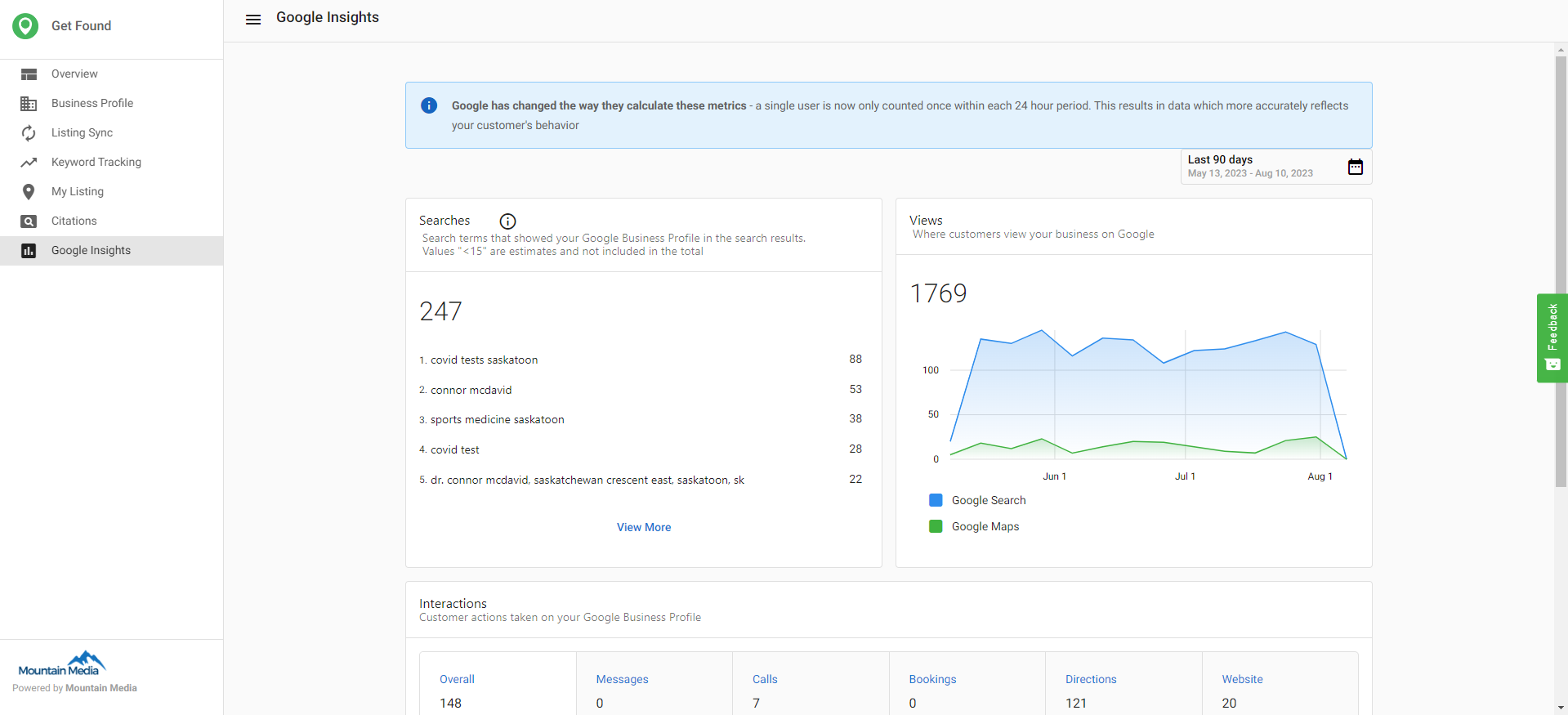
After connecting, you can view metrics such as searches, where customers view your business, and common customer actions.
Bing insights in Local SEO
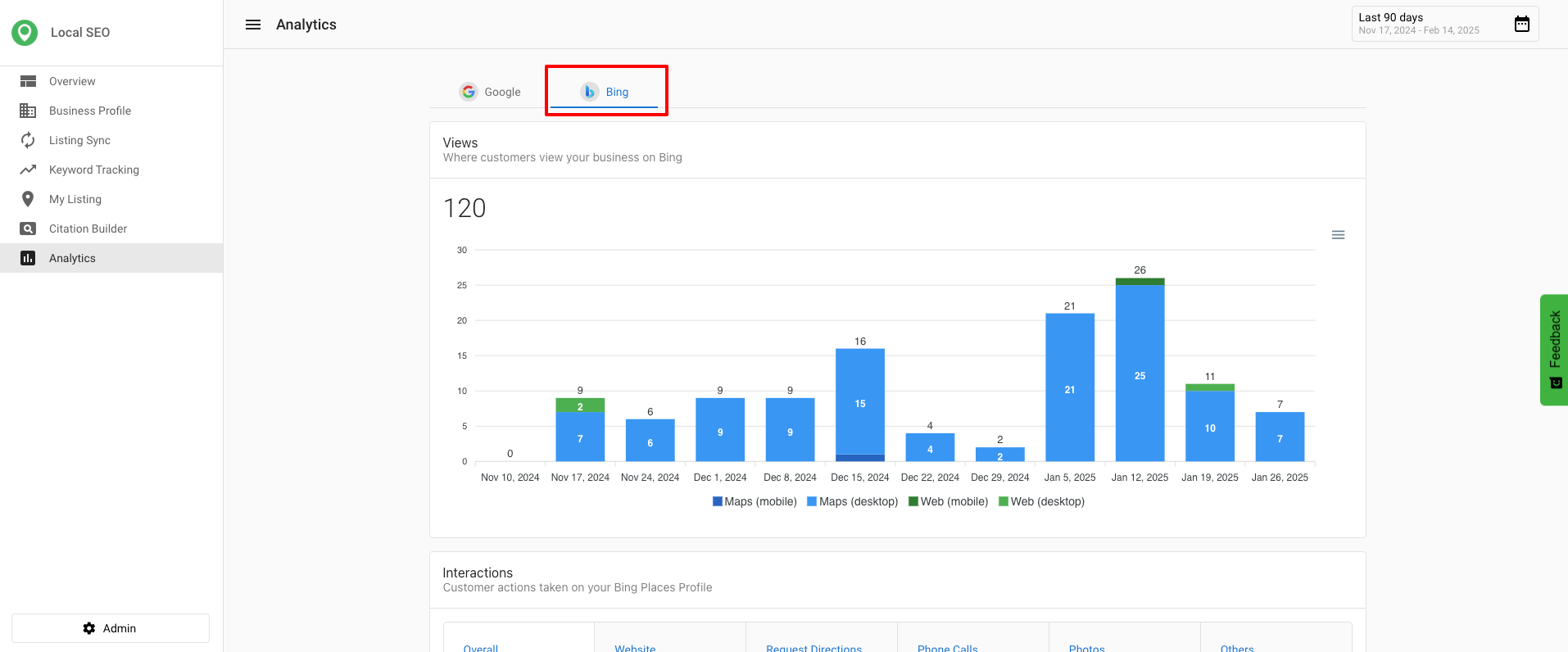
Bing Insights allow Local SEO Pro users to see how their business listings perform on Bing. This feature enhances visibility into search traffic and customer interactions beyond Google.
Key Bing metrics available in Local SEO
- Traffic insights to measure Bing as a source of customer visits.
- Customer interactions based on listing visibility and engagement.
- Performance trends for evaluating marketing effectiveness.
Accessing Bing analytics in Local SEO
Bing insights
- Navigate to the Analytics tab in Local SEO.
- View Google-specific data related to search queries, interactions, and overall visibility.
Bing insights (available for Local SEO Pro users)
- Select a Local SEO Pro account.
- Ensure that the Bing profile is created and synced under Listing Sync.
- Go to the Analytics section and click on Bing Insights to view performance data.
If Bing sync is disabled, users will need to enable it to access Bing insights. New syncs require time to backfill data from the last 90 days.
Why these insights matter
- Better Decision Making – Helps businesses understand which search platforms are driving traffic.
- Improved Engagement Strategies – Aligns customer interactions with business goals.
- More Control Over Listings – Ensures that businesses can monitor and adjust their presence on both Google and Bing.
Frequently asked questions (FAQs)
What is the difference between Search Terms and Search Total?
Search Terms shows the actual queries people used to find your business, while Search Total shows the overall number of times your business appeared in search results.
Why do I need to connect my Google Business Profile to view analytics?
Connecting your profile allows Local SEO to pull data directly from Google’s API, ensuring you see accurate insights about how customers are finding and interacting with your business.
Can I see analytics for Bing?
Yes, Bing Insights are available for Local SEO Pro users. You must have a synced Bing profile to view these metrics.