Email History
Email History provides a centralized view of all outgoing emails sent from your website. You can track delivery status, identify issues, and monitor email performance, all from the Email History tab in your dashboard.
WordPress Hosting includes a built-in email system to send and track emails, available on all WordPress Hosting plans.
On WordPress Hosting Premium (Multisite), all outgoing email is sent from the network's primary domain. Individual subsites do not send email independently.
How it works
Emails are automatically triggered when someone fills out a contact form or submits their email address on your site. These outgoing emails are routed through the built-in email system and logged in the Email History tab.
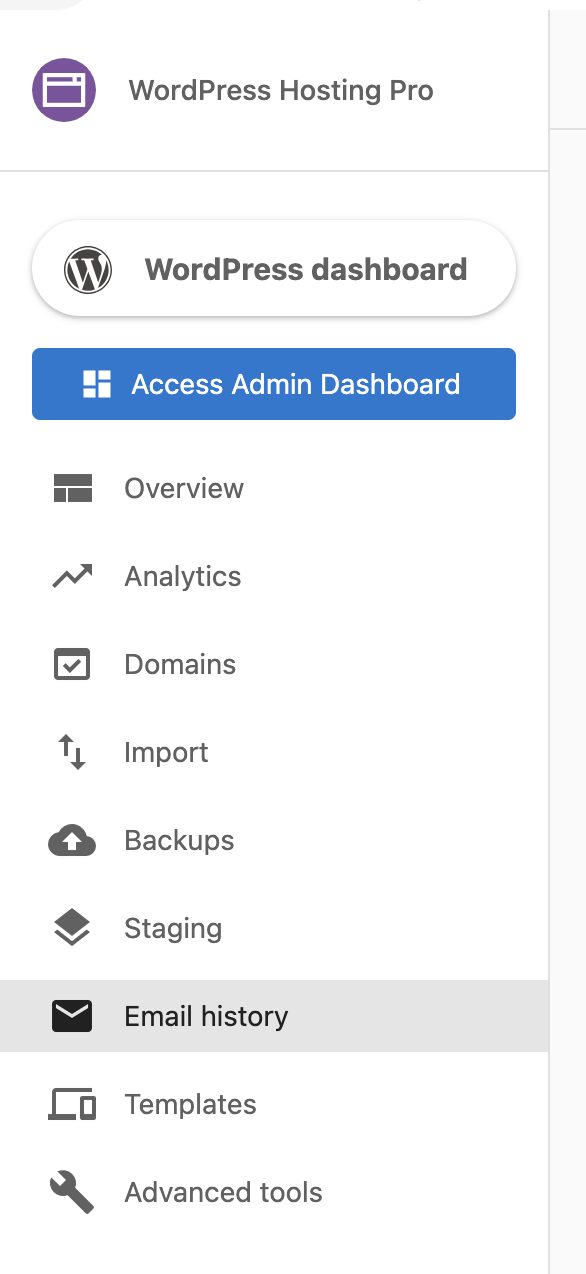
- Navigate to the Email History tab in your WordPress Hosting dashboard
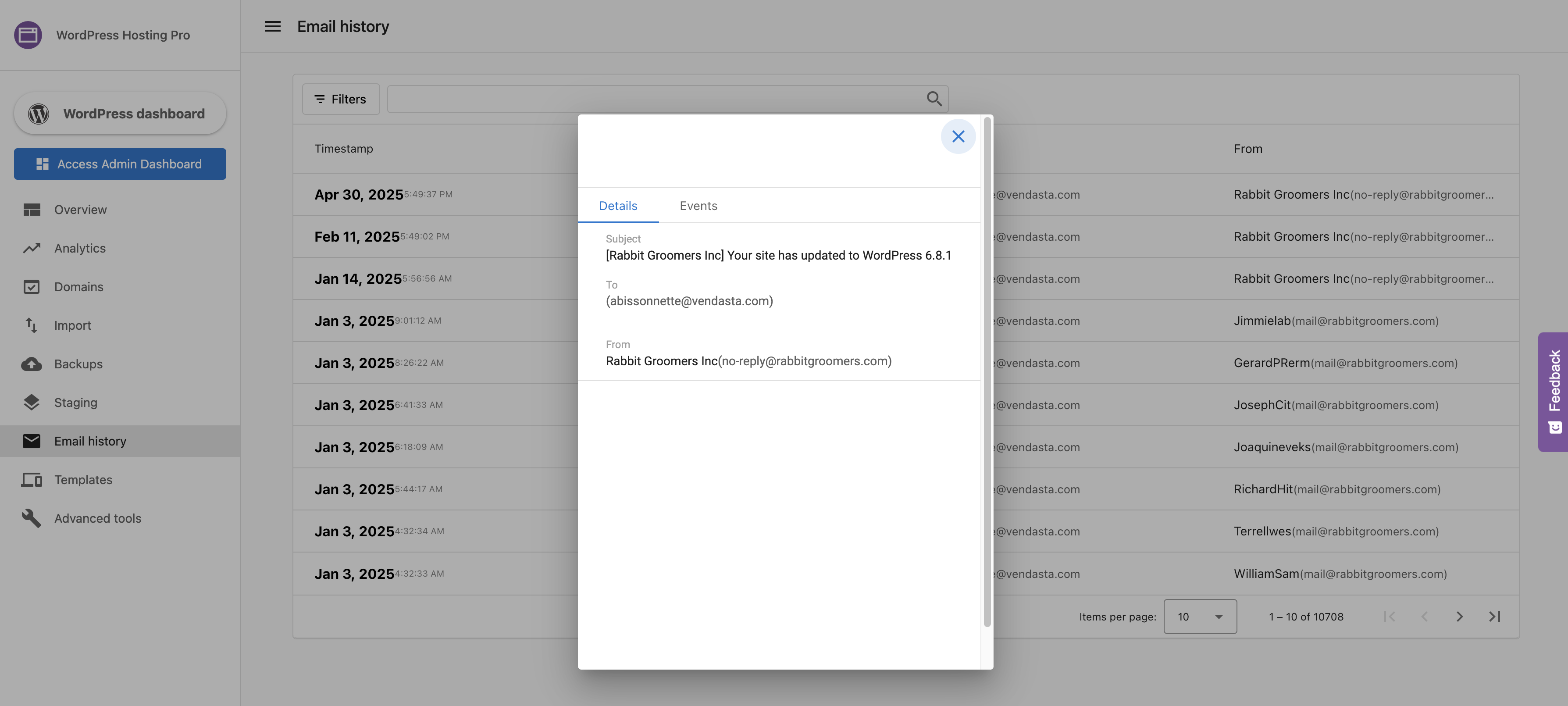
- View the list of all emails sent from your site with their delivery status
- Click on any email to see detailed delivery information
You cannot send or reply to emails from the Email History tab. This feature is for viewing and tracking outgoing emails only.
What's included
- Email Delivery and Troubleshooting — Email statuses explained, unsubscribe behavior, fixing missing logs, deferred emails, and FAQs