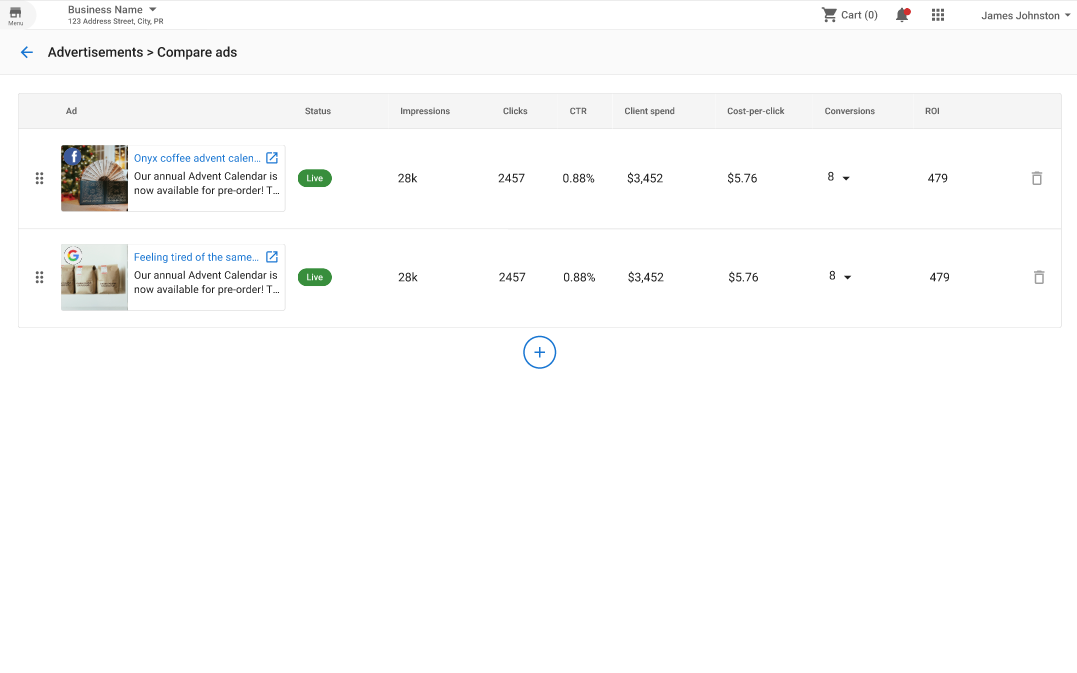
Compare and contrast ad performance and creatives
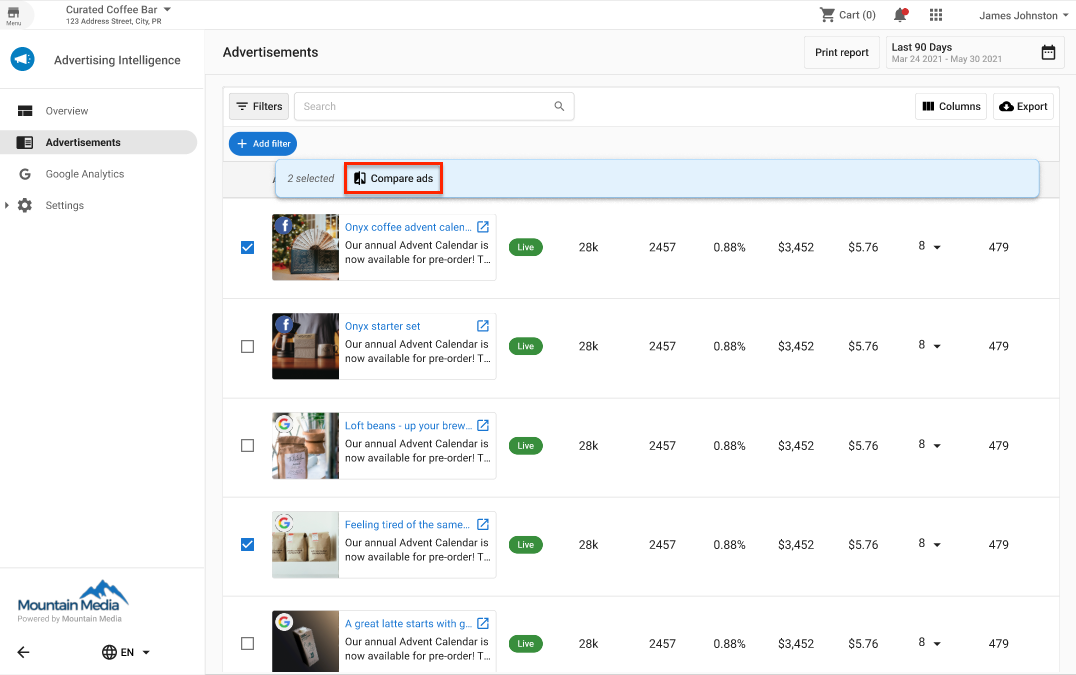
The Advertisements tab in Advertising Intelligence provides a unified view where you can assess performance metrics and creatives across all networks. Compare and analyze ad campaigns across multiple networks to manage campaigns effectively.
What is the benefit of comparing ads?
Compare ads side-by-side to identify which creatives and campaigns are performing best across all your advertising networks. See performance metrics and creatives in one place to quickly determine what's working and what isn't. Use this information to optimize your campaigns, allocate budget more effectively, and improve your overall advertising ROI.
How does it work?
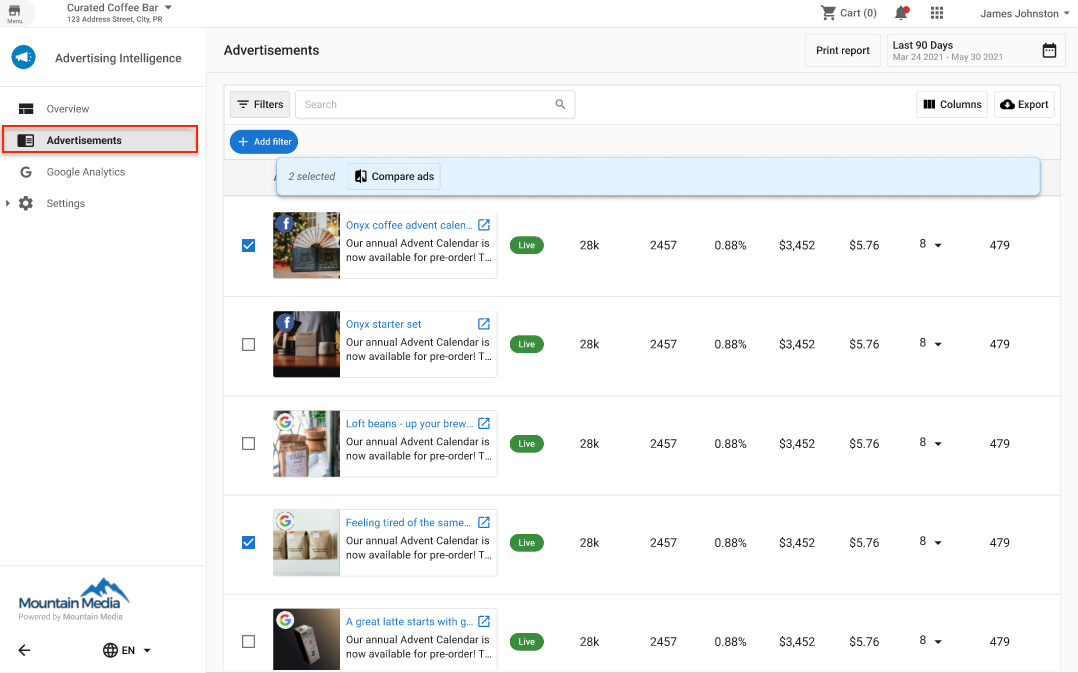
- In Advertising Intelligence, select the
Advertisementstab from the navigation menu. This displays all your advertisements on a single page, including creatives (if available via API) and their performance metrics.
- Select the ads you want to compare and press
Compare ads. This filters your selection so you can examine what's performing well and what isn't.