My Products
The My Products page in Business App shows all products and services that are active for your business. You can see what you have access to and choose which products appear in the side panel for quick access.
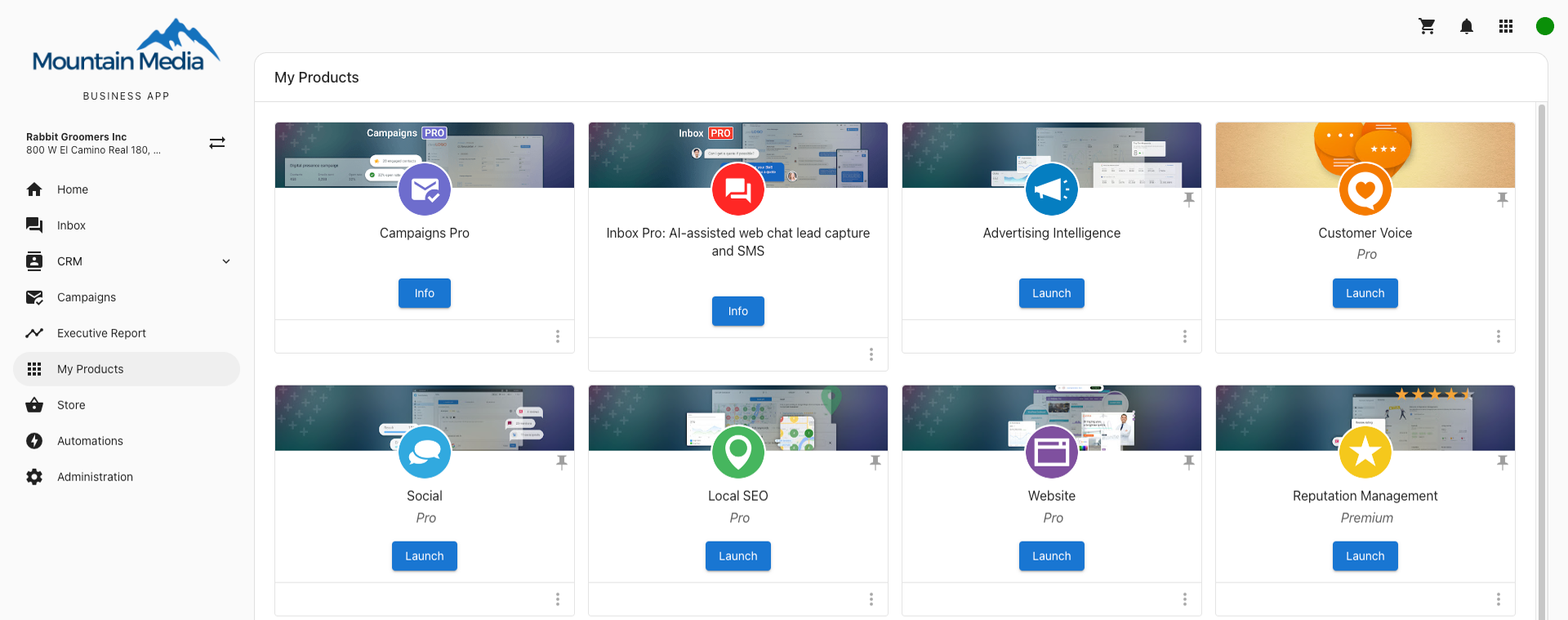
How can I organize the products on the side panel?
Click My Products, then click the pin icon in the top-right of each product card to choose which products appear on the Business App side panel. Each user can set their own pins.
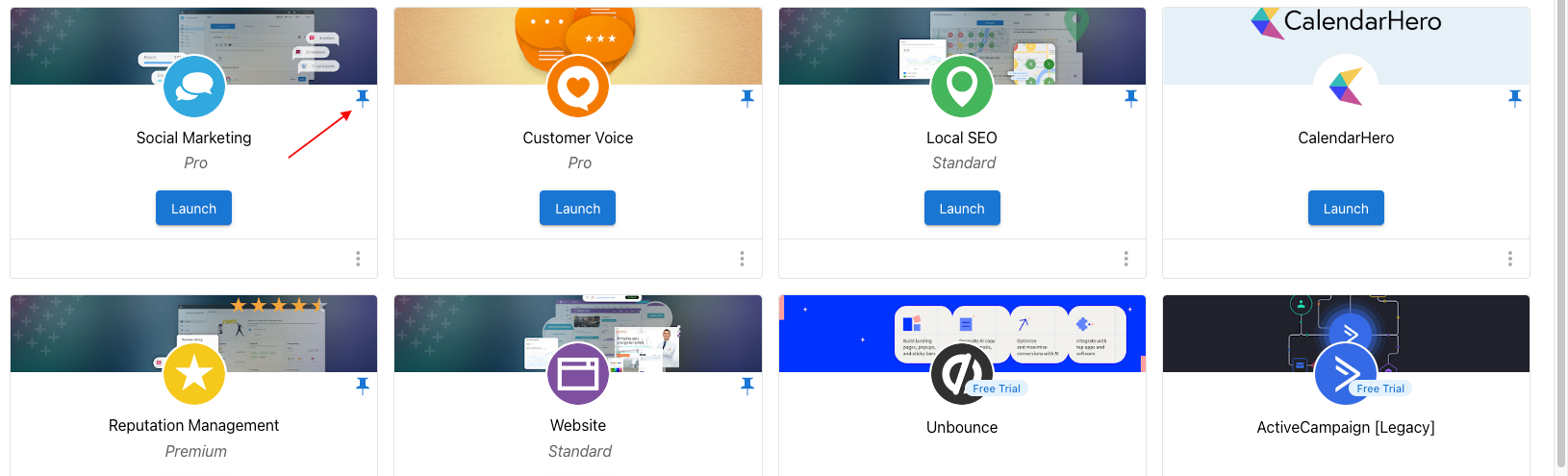
For more detail on configuring and pinning products, see Configuring My Products.