Configuring My Products
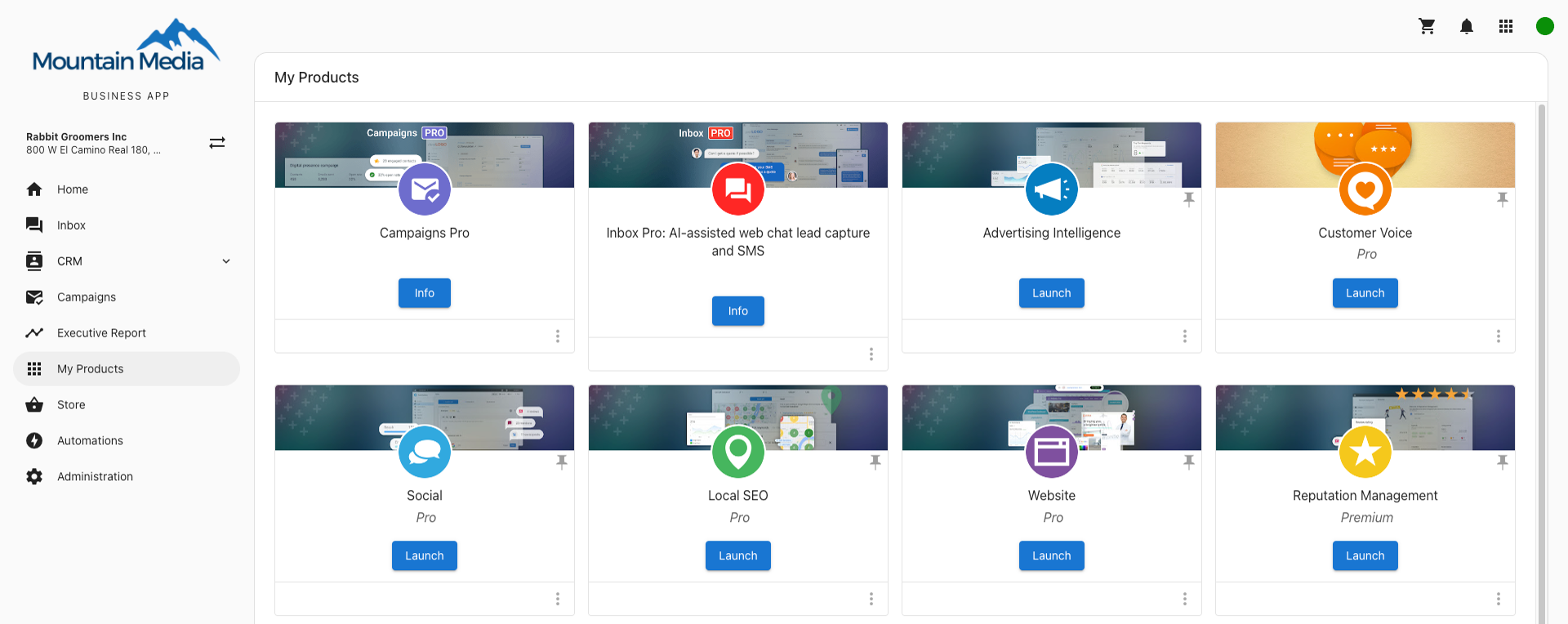
The My Products page lists all products and services that are active for your business. From here you can see what’s on your account and pin the products you use most to the Business App side panel.
How does the My Products page work?
- Log in to Business App and click
My Products.
How can I organize the products on the side panel?
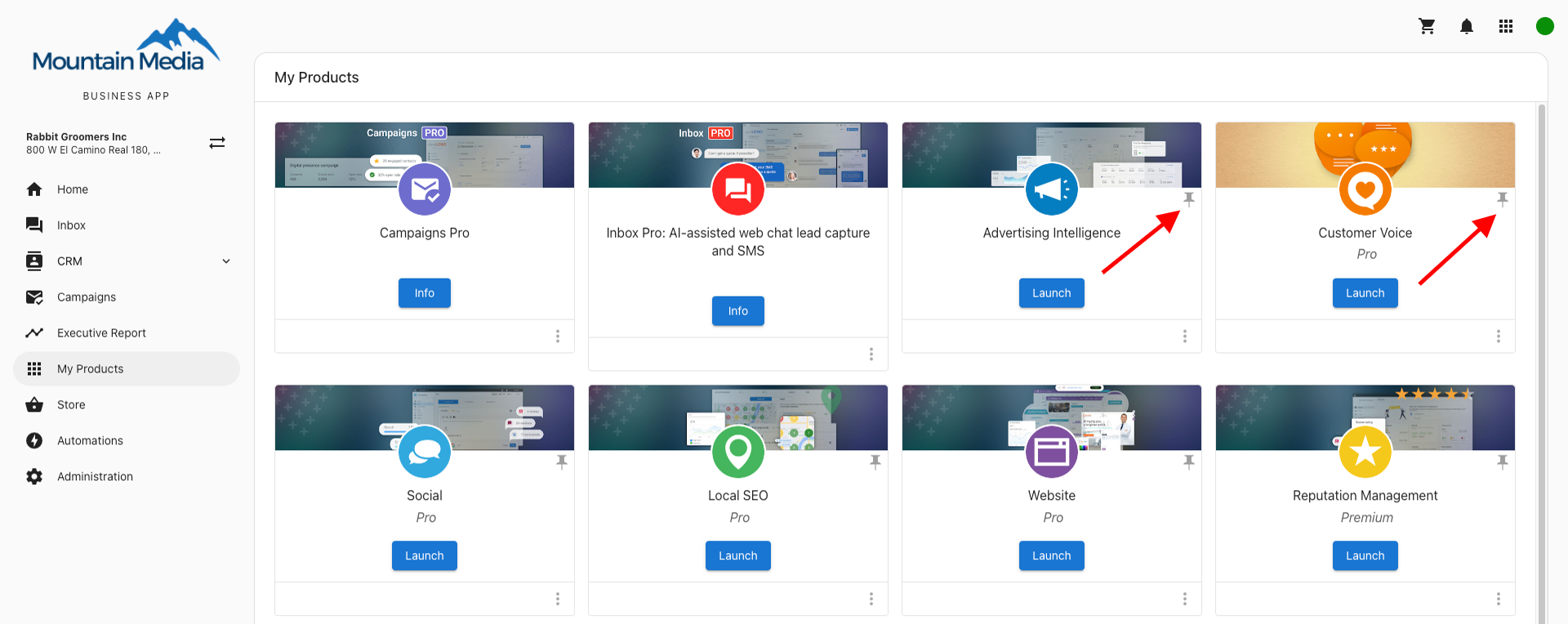
On the My Products page, click the pin icon in the top-right of a product card to choose which products appear on the Business App side panel. You can set your own pins.
Why can't I pin a product to the navigation panel?
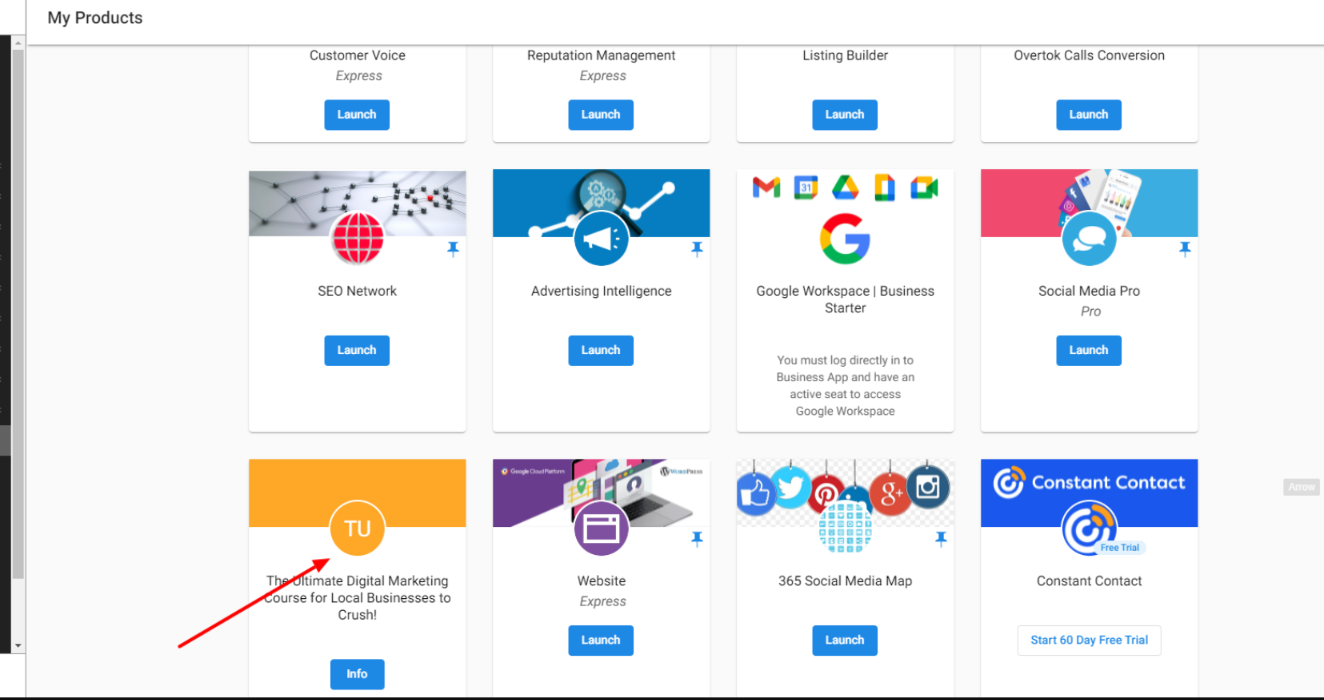
Only products that have a dashboard or destination link can be pinned. If a product doesn’t have an associated link (for example, some custom products), the card is shown for reference but the pin option won’t be available. Product links are configured when the product is set up.