Amazon Ads Connector
Amazon Ads connector
Use Amazon Ads data to make data-driven decisions in your advertising strategy. Data updates automatically daily, similar to other data sources. Use the Amazon Ads Connector to track campaign-level performance, daily trends, and other metrics.
Requirements
To use the Amazon Ads Connector, you need:
- An Amazon Ad account to connect.
- An active Advertising Intelligence subscription on your account.
Connecting Amazon Ads
Step 1: Select the Amazon Ads connector
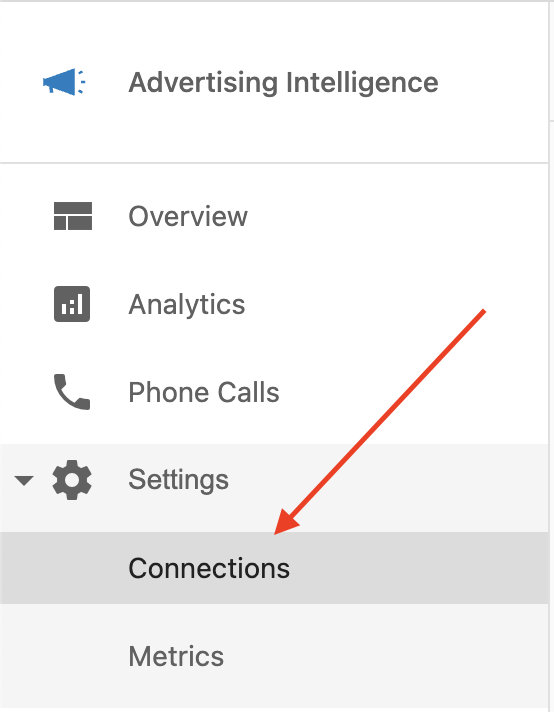
Go to Advertising Intelligence → Settings → Connections:
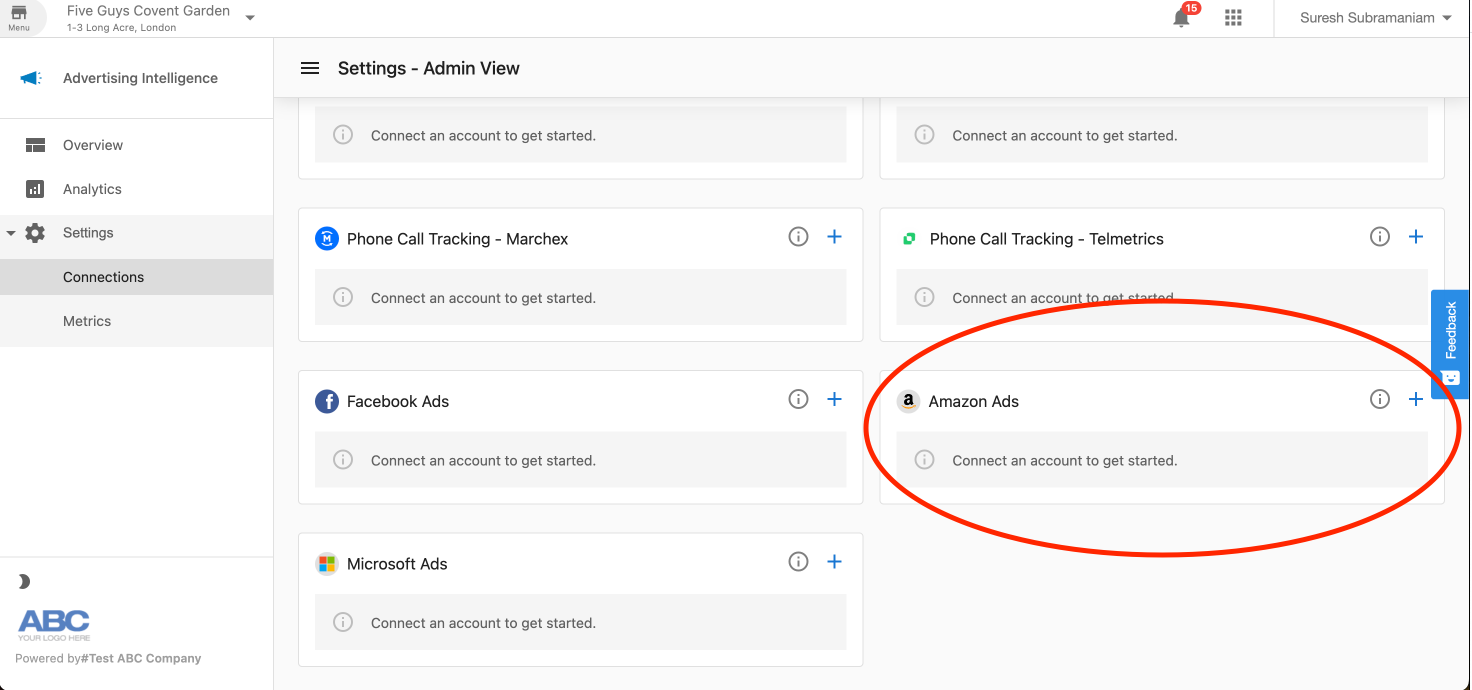
The Connections page shows a card for each ad platform. Find the Amazon Ads card:
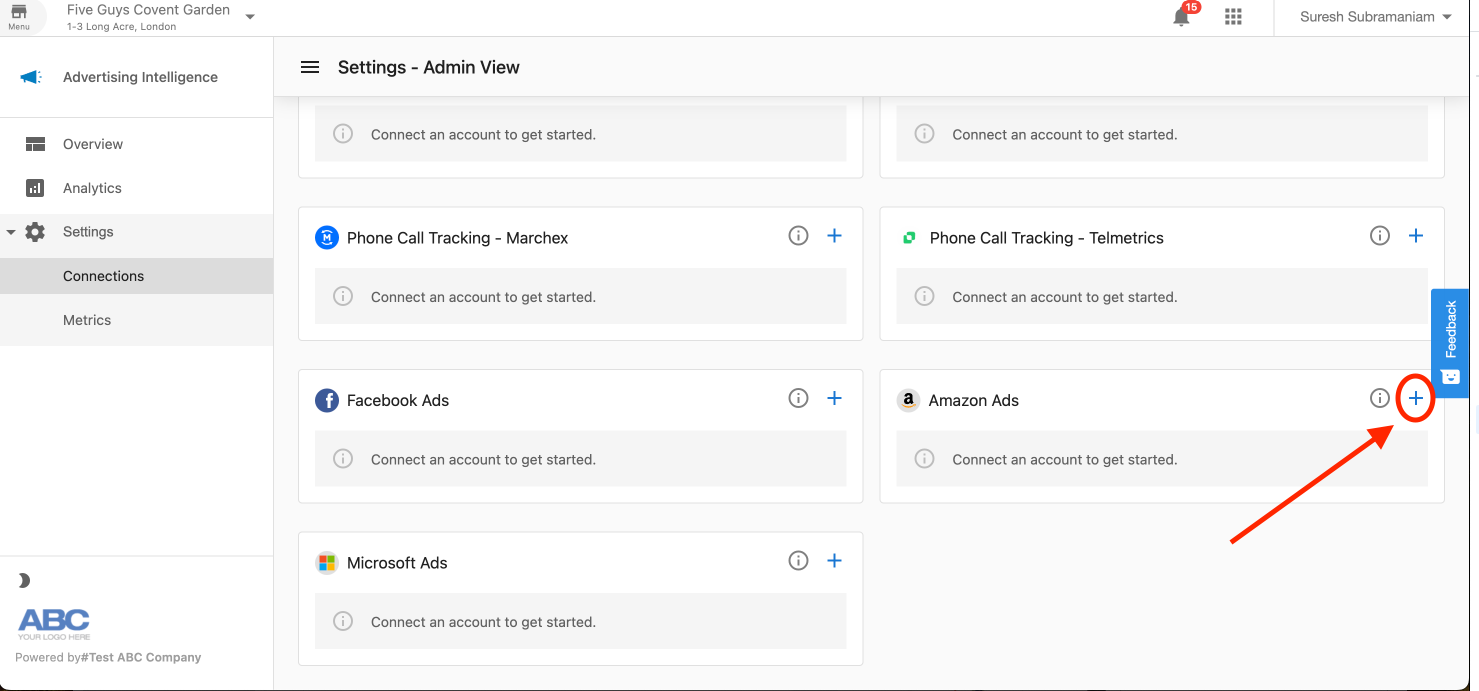
Click the + button on the Amazon Ads card:
Step 2: Sign in to your Amazon Ads account
You are prompted to sign in to your Amazon account. Enter your Amazon Ads username and password:
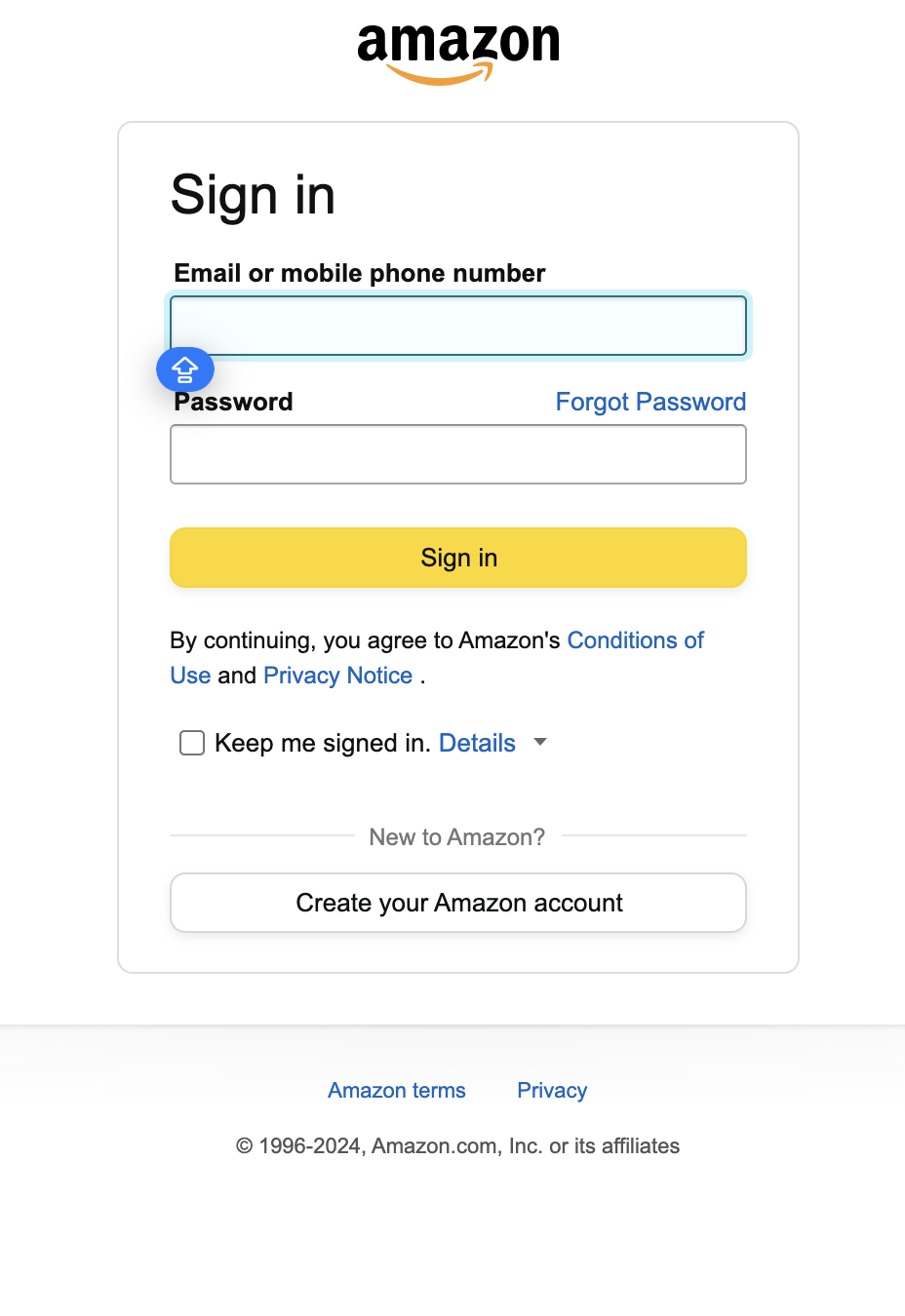
After entering your credentials, a confirmation message appears requesting permission for Advertising Intelligence to access your account data. Select Allow.
Step 3: Choose the account to connect
Once authenticated, select the Amazon Ads account you want to connect:
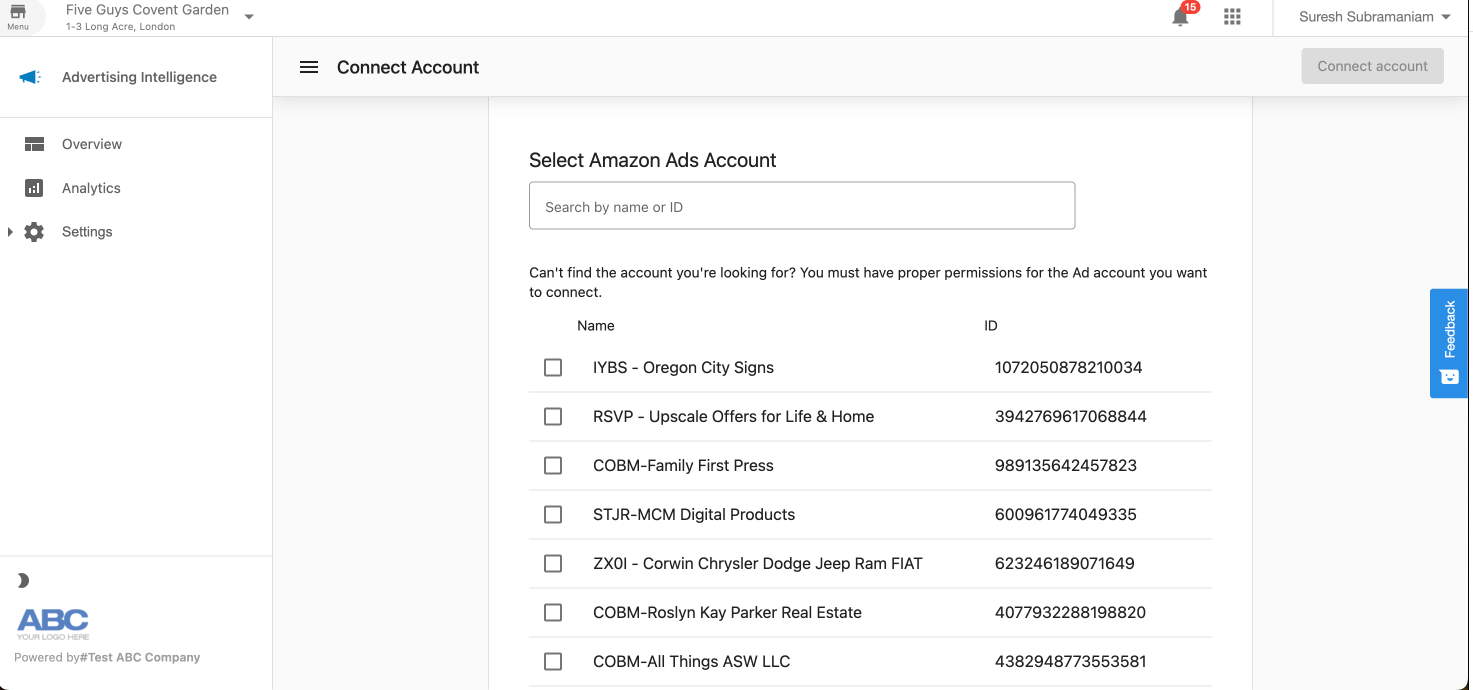
Select the account, then click Connect account.
Success
After connecting successfully, Advertising Intelligence begins syncing your Amazon Ads data.
This initial sync may take 24–48 hours to complete, after which data updates daily.
Viewing Amazon Ads data
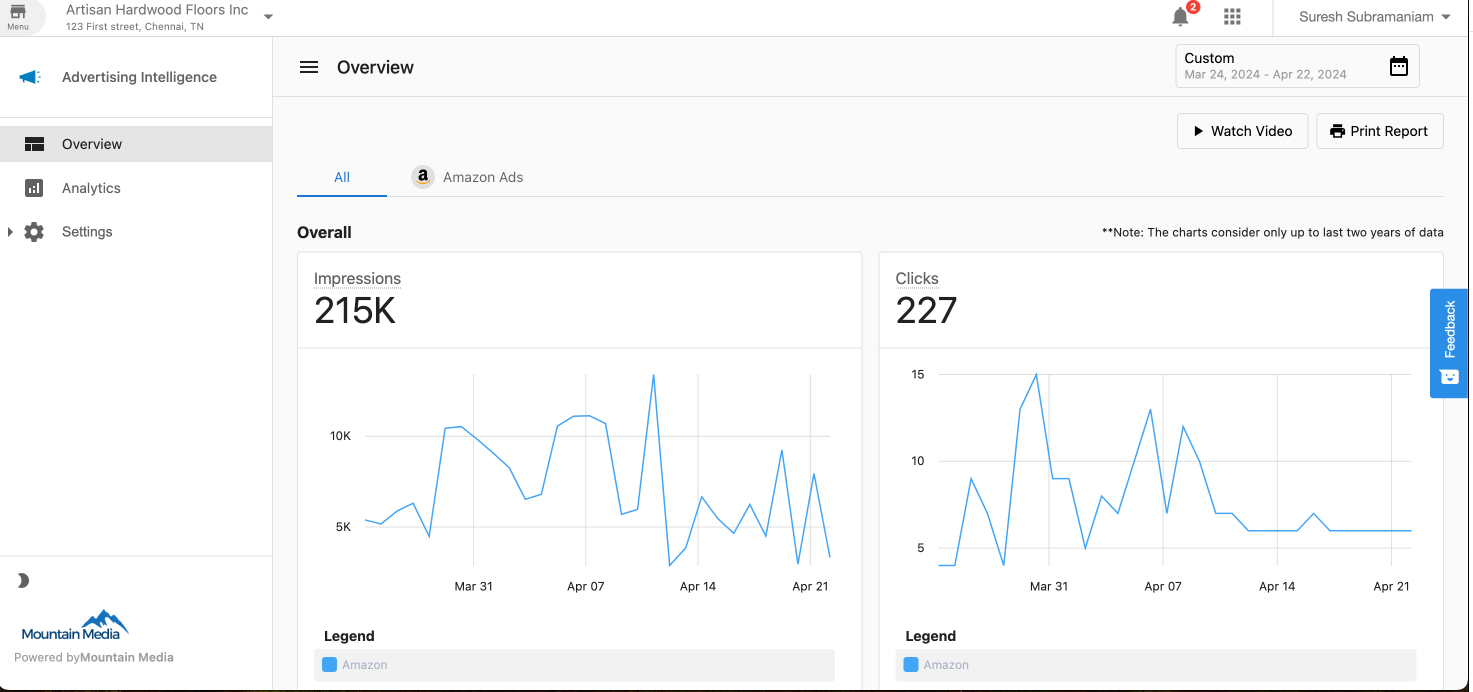
After connecting your account, view and analyze your Amazon Ads performance data in Advertising Intelligence. Go to Overview and select the Amazon Ads tab.
For persistent issues, contact your support team for assistance.