Activity Logs in WordPress Hosting
The Activity Logs feature in WordPress Hosting helps you track actions performed on your staging site. It provides a record of significant activities, making it easier to monitor changes and troubleshoot issues.
Supported staging site activities
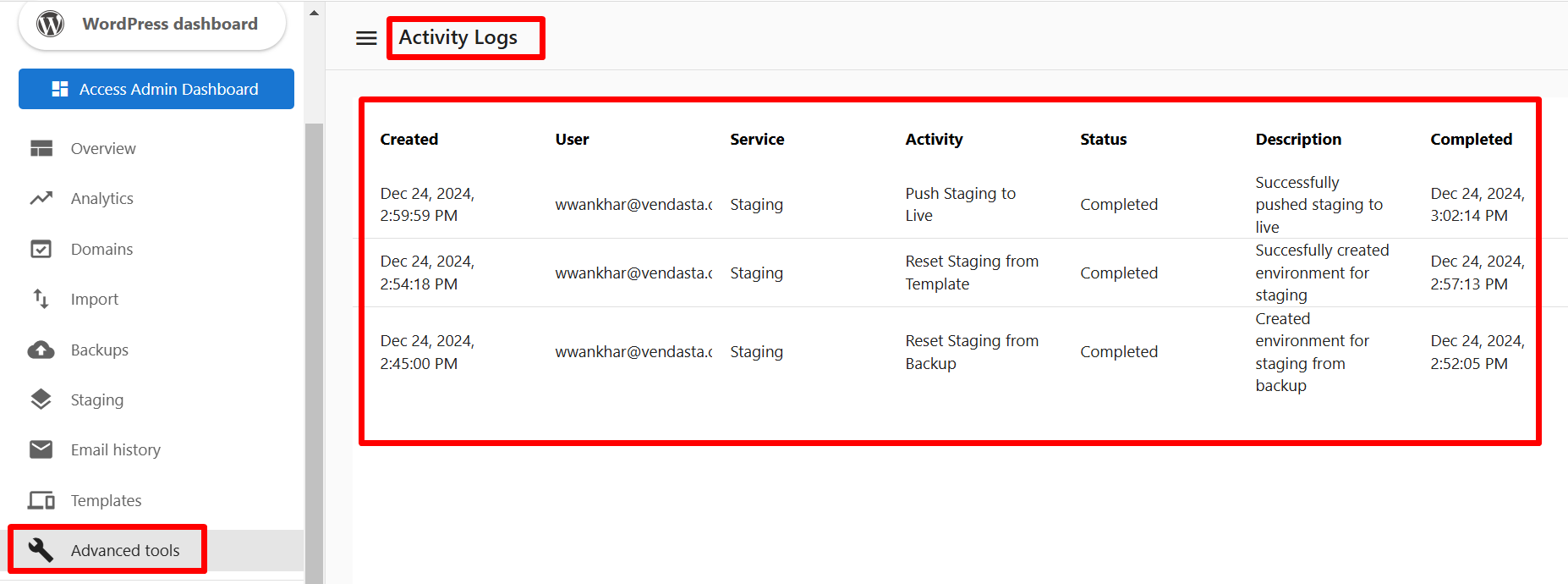
Reset Staging from Template- Logs when the staging environment is reset using a new template.
Reset Staging from Backup- Logs when the staging environment is reset using a backup.
Push Staging to Live- Logs when changes from the staging environment are pushed to the live site.
Details provided in activity logs
The activity logs include the following information:
Created: The date and time when the activity was logged.User: The user who performed the action.Service: The specific service or feature associated with the action.Activity: The type of activity performed.Status: The current status of the activity (e.g., completed, failed).Description: A brief explanation of the action.Completed: The date and time when the activity was completed.
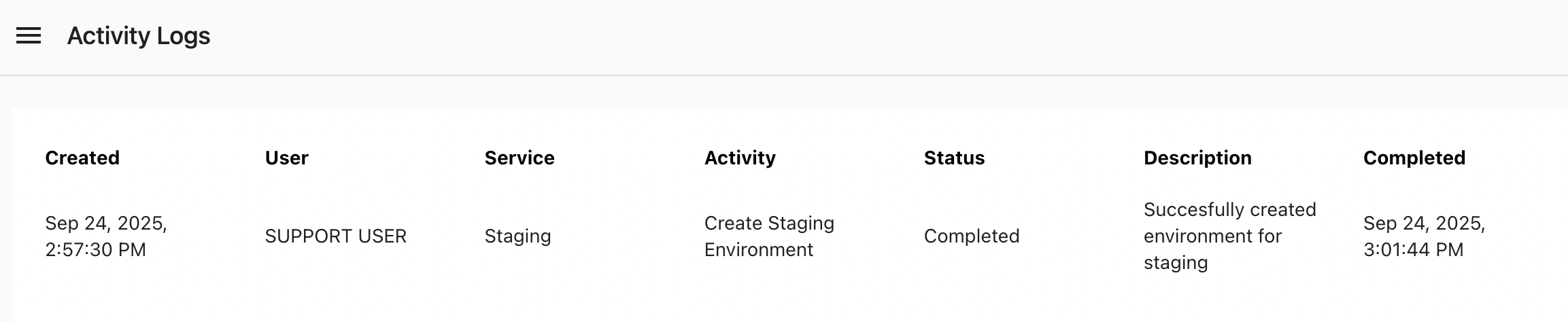
Support actions in activity logs
When a support action is performed on your site, activity logs display it as Support user to keep the record clear and consistent.
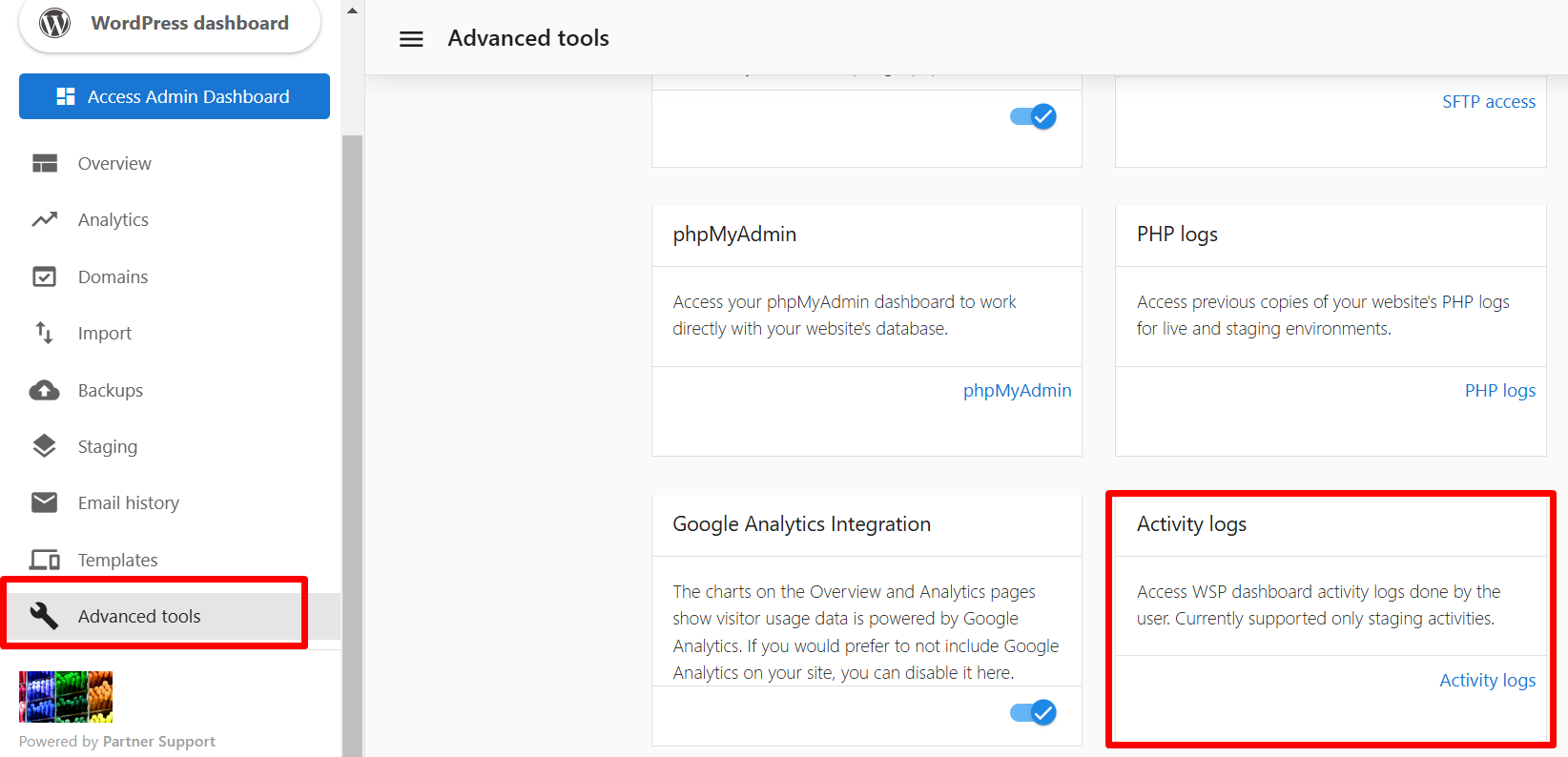
How to access activity logs
- Log in to your WordPress Hosting dashboard.
- Navigate to the
Activity Logssection underAdvanced Tools. - View detailed records of actions performed on your staging site.