Captchas, reCAPTCHAs, and Advanced Login
Hide Advanced Login
The Hide Advanced Login toggle controls whether users can access the WordPress admin panel directly via /wp-admin. When enabled, direct access is blocked and users must sign in through the WordPress Hosting dashboard.
To find the toggle, navigate to My Products > WordPress Hosting, select your site, and open Advanced Tools.
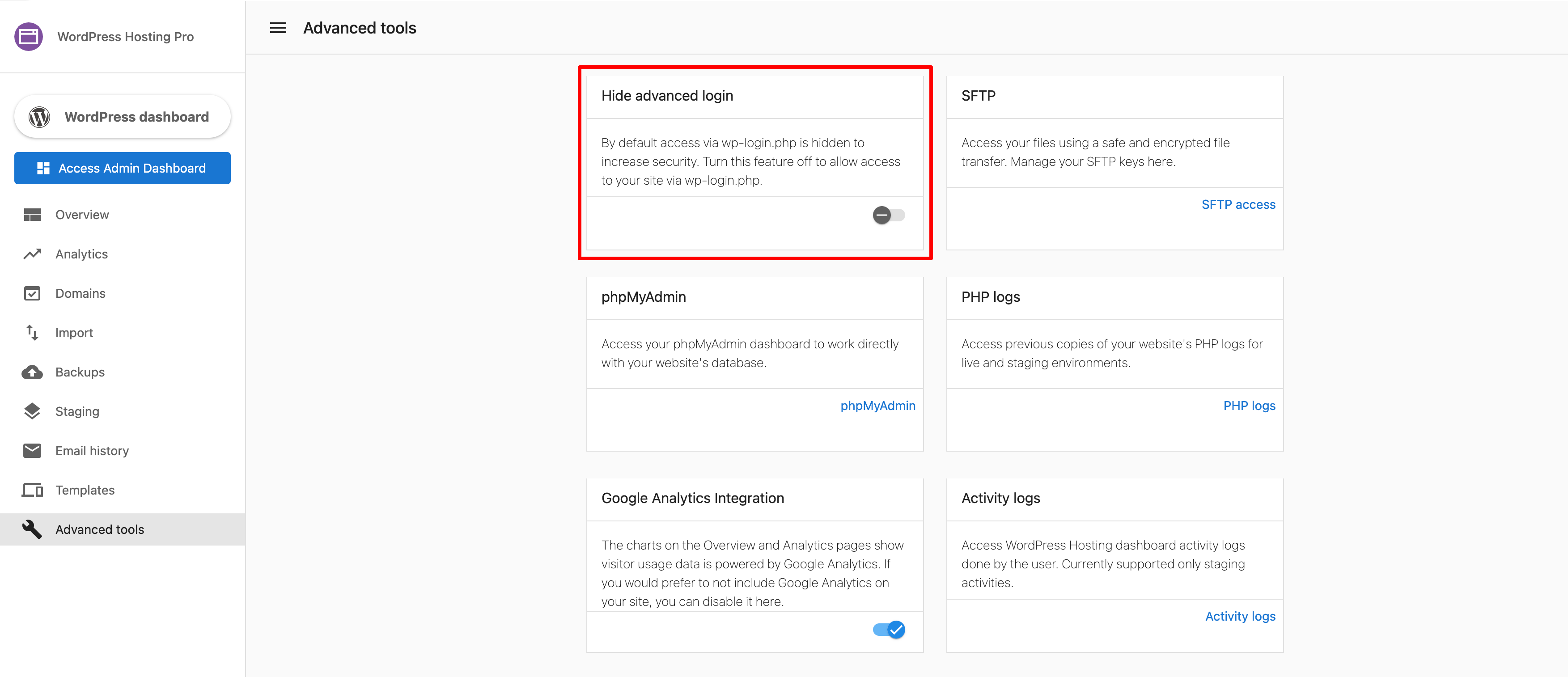
- Enabled: Direct
/wp-adminaccess is blocked. Users must log in through the WordPress Hosting dashboard. - Disabled: Users can log in directly at
www.domainname.com/wp-admin.
When Hide Advanced Login is enabled, logging into the WordPress dashboard via SSO may be affected if a reCAPTCHA is also configured on the WordPress login page.
Enhanced captcha settings
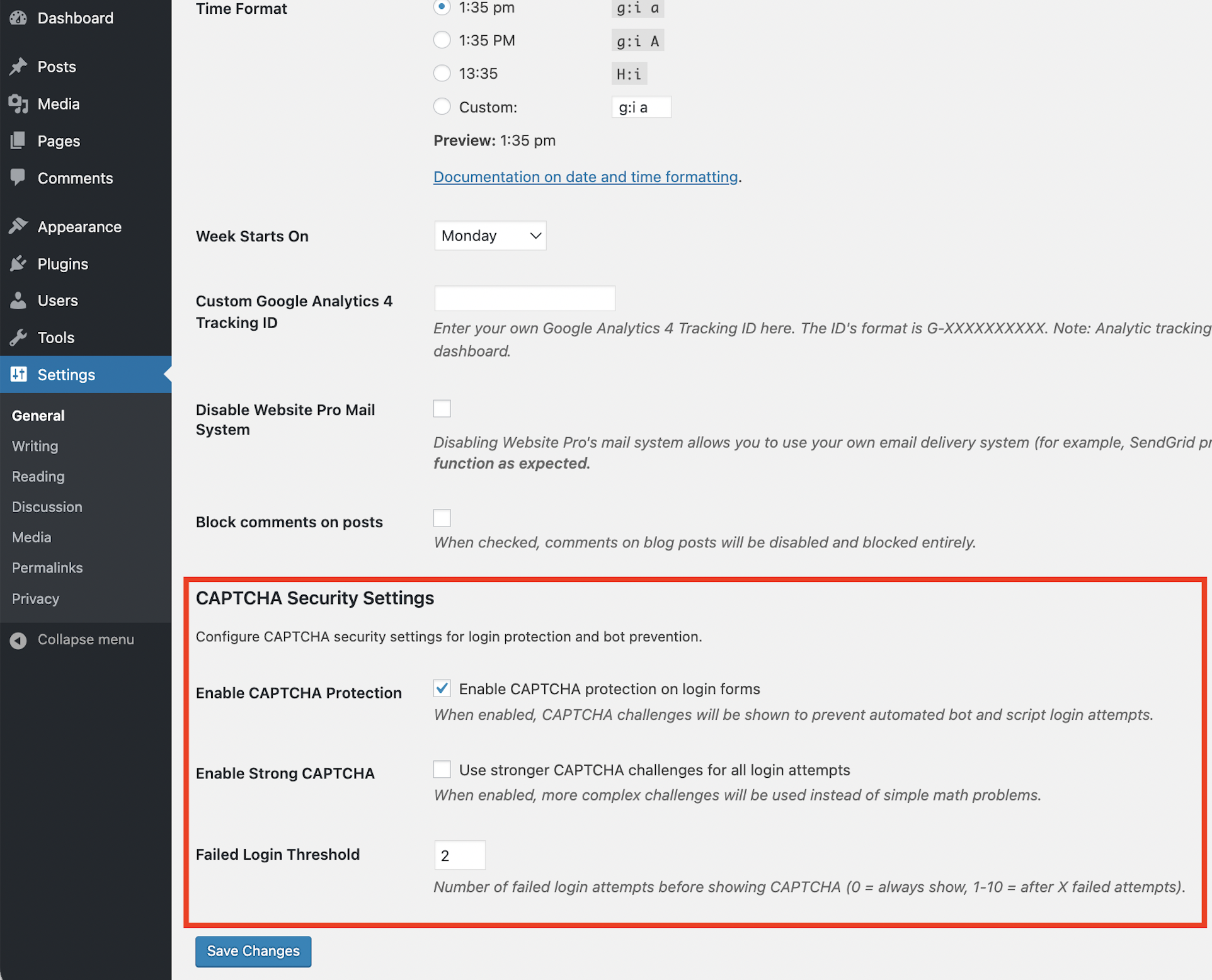
You can configure Enhanced Captcha from your WordPress dashboard under Settings → General. From here, you can enable or disable captcha and adjust the failed login attempt threshold.
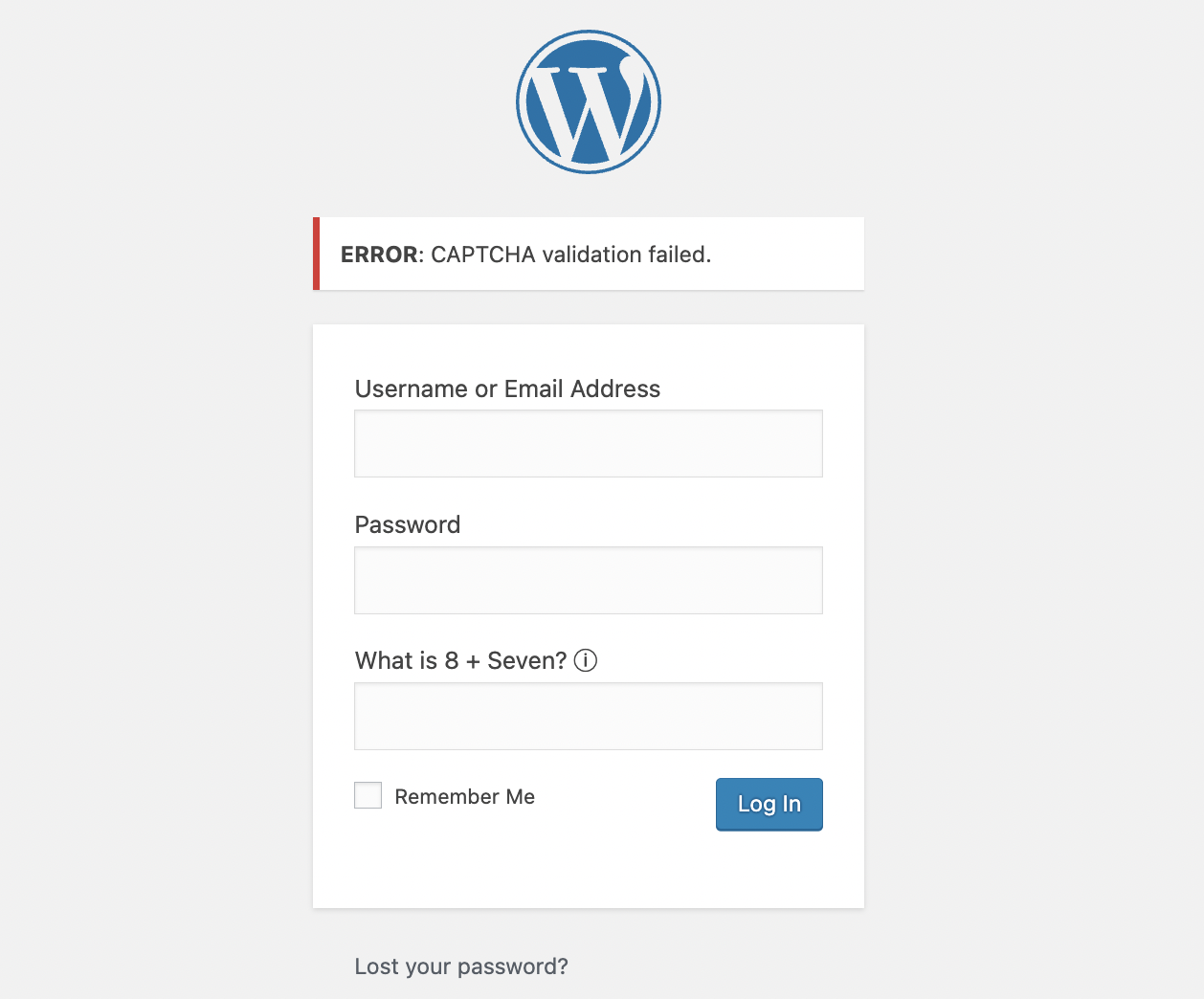
If you prefer to log in directly via SSO, disable the captcha feature on the login page. If you are using a reCAPTCHA plugin, disabling the plugin achieves this.