Custom Website Templates
What are custom templates?
Custom templates allow you to create reusable website starting points that include your preferred plugins, themes, and pages. These templates automatically install all configured elements when creating a new site, saving you time and ensuring consistency.
Why are custom templates important?
When creating websites, you often need to install the same set of plugins and themes repeatedly. This manual work takes time that could be better spent crafting unique content for your website.
With templates, you can set up your preferred configuration once and reuse it for each new site you create, streamlining your website creation process.
How do custom templates work?
You can add up to 12 of your own templates. To add more, you will need to first delete one of your existing templates.
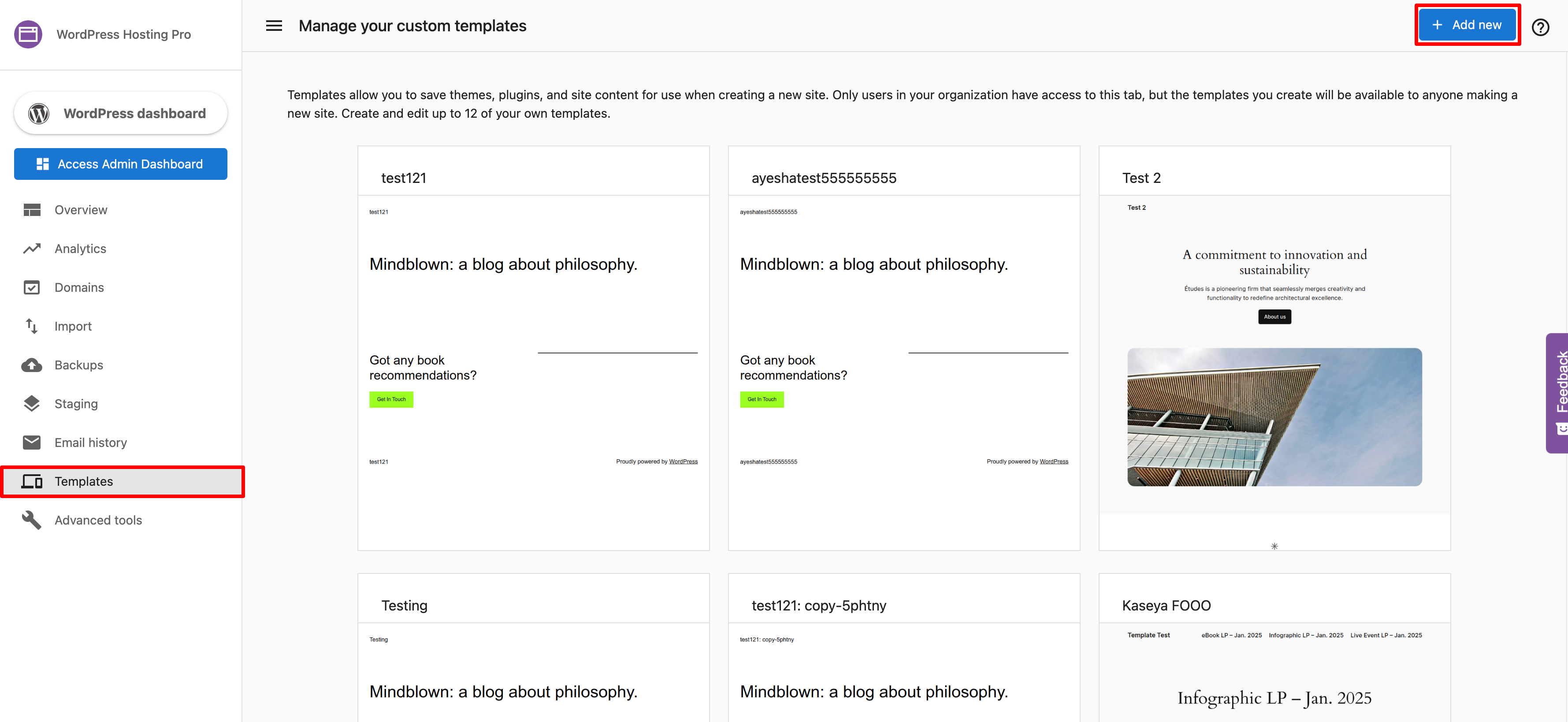
- Access WordPress Hosting.
- Navigate to the
Templatestab. - Click
+Add New.
- Enter your template's name and domain.
- Click
Create Template.
From here, create your template as though you were building a standard site. You may wish to include a theme, plugins, or pages that you commonly require.
Once you're satisfied with how your template looks, click Save as Template. Should you edit this template at a later time, click Update Template to overwrite the previous version.
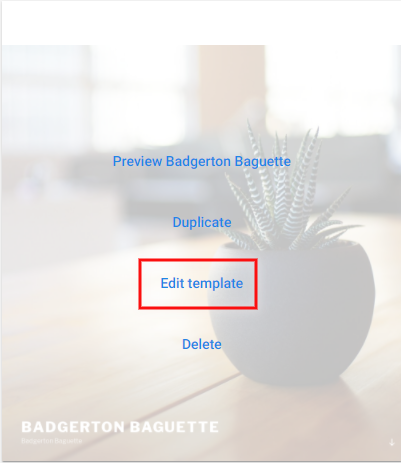
To edit a previously created template, click Edit Template on that template's card.