Hide pre-built templates
To hide the pre-built templates included in the initial WordPress Hosting setup, follow these simple steps:
- Go to the
Product Infotab. - Click on
Admin Tools. - Select
Product Settings.
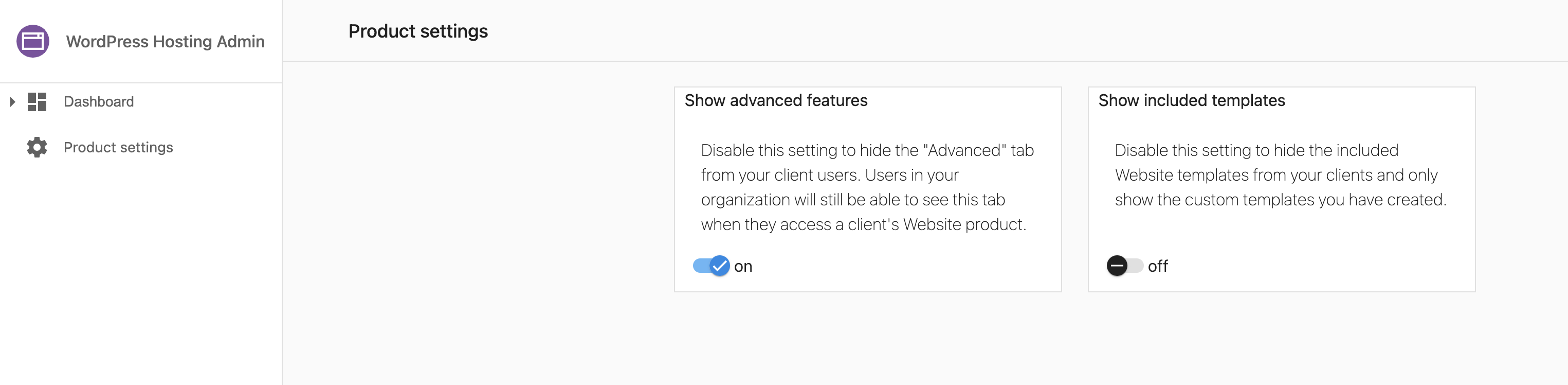
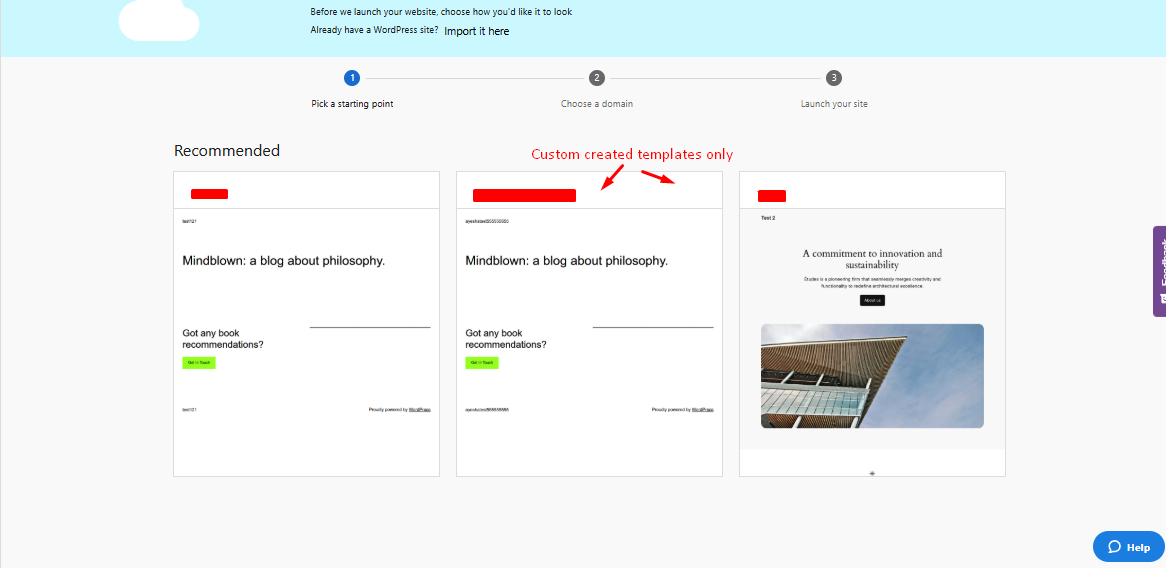
Within the Product Settings section, you'll see an option labeled Show Included Templates. Toggle this setting off to hide the default pre-built templates. Disabling this option ensures that these templates will no longer be visible when creating new sites.
Here's an illustration of the setting in action:
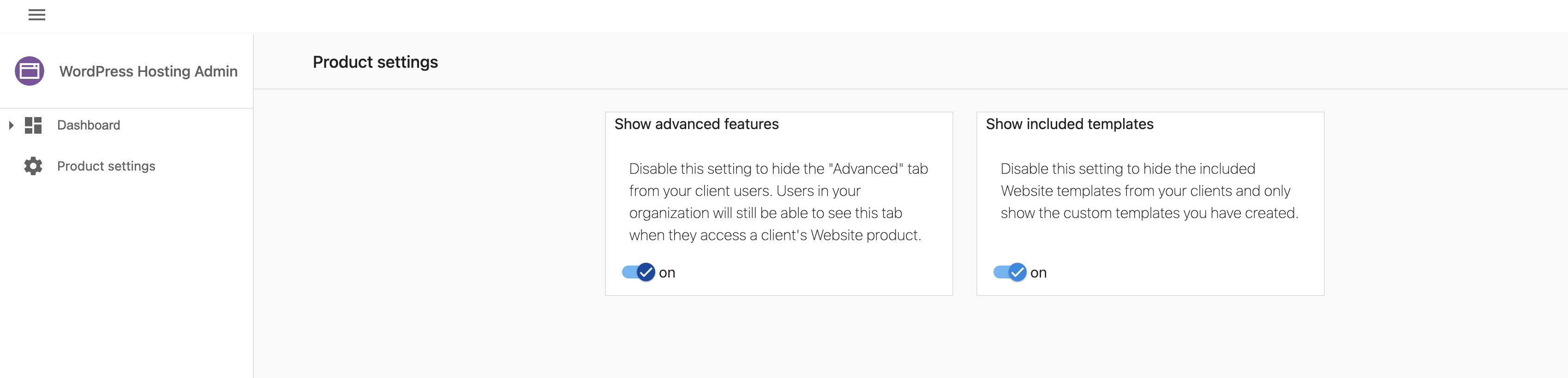
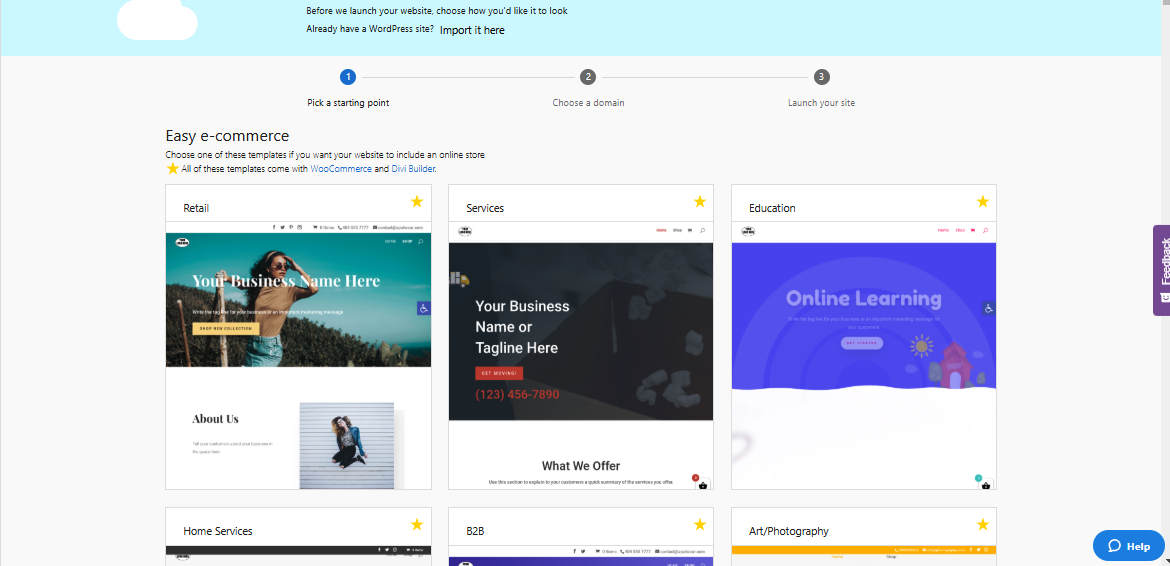
When the included Website templates are enabled:
When the included Website templates are disabled: