Leaderboard
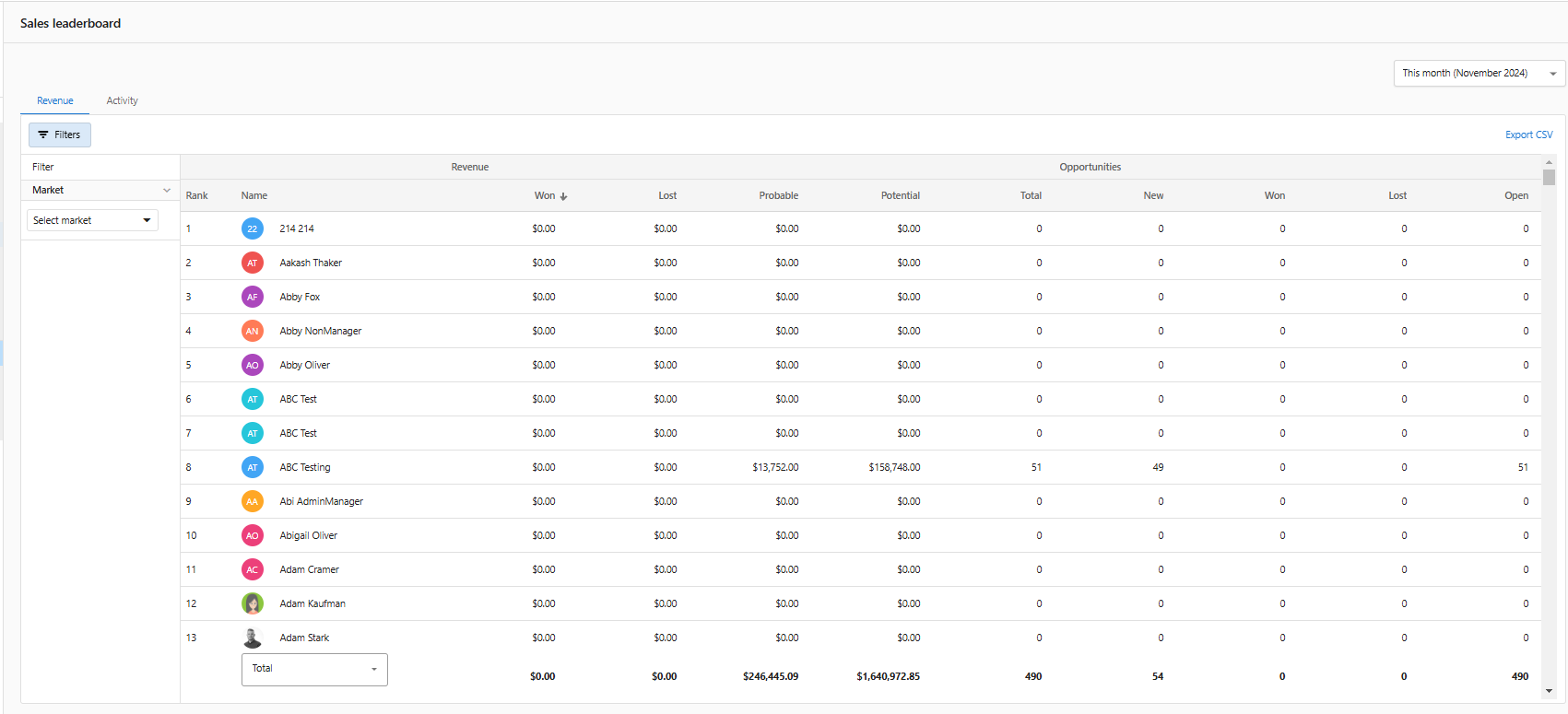
Use the Leaderboard to see top-performing salespeople and teams. Filter, compare time ranges, and identify coaching opportunities.
Why use the Leaderboard?
- Recognize high performers and motivate your team
- Spot trends and areas for improvement
- Compare performance across time ranges
What’s included
- Rankings by selected metrics
- Filters by team or timeframe
- Drill-through to underlying records
How to use the Leaderboard
- Go to
CRM>Leaderboard. - Select the metric and time range.
- Filter by team or salesperson as needed.
Frequently Asked Questions (FAQs)
Which metrics are available?
Common metrics include opportunities won, revenue, and activity volume. Availability may vary by configuration.