Reputation AI: Edit Business Profile within the Application
You can easily edit and update your business profile information without leaving Reputation AI.
Why is editing your business profile in Reputation AI important?
Keeping your business profile accurate ensures that your listing information stays consistent across directories and search platforms. Your profile data, including your business name, address, and phone number, is used to match and verify your listings across the web. You can update your profile directly from the Primary Listings page in Reputation AI without navigating away from the application.
How does editing your business profile from Reputation AI work?
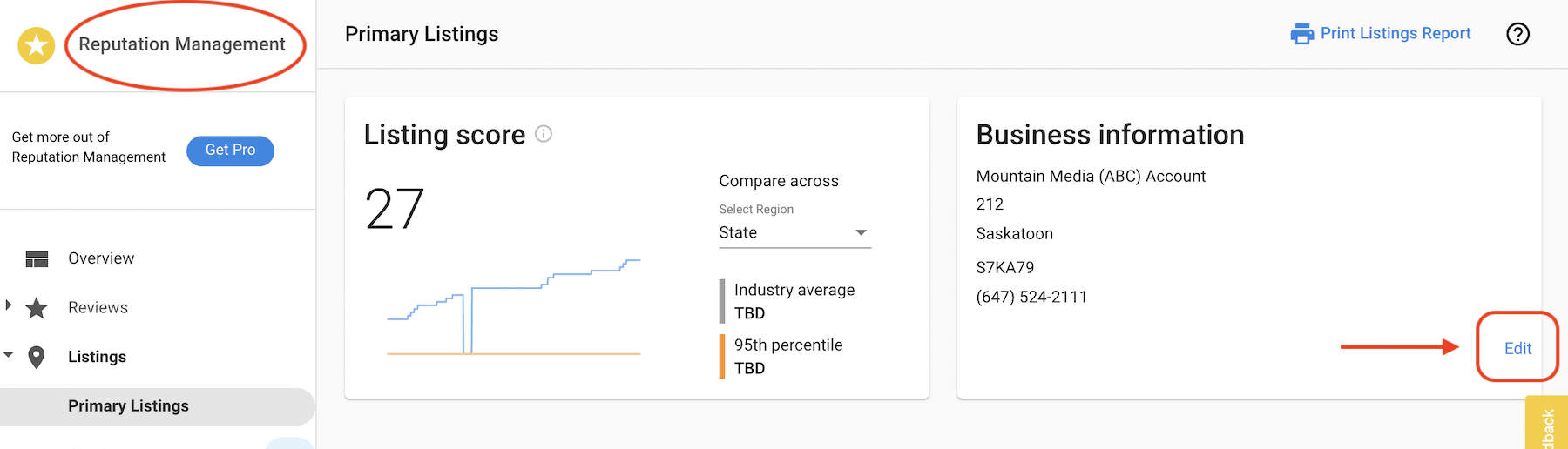
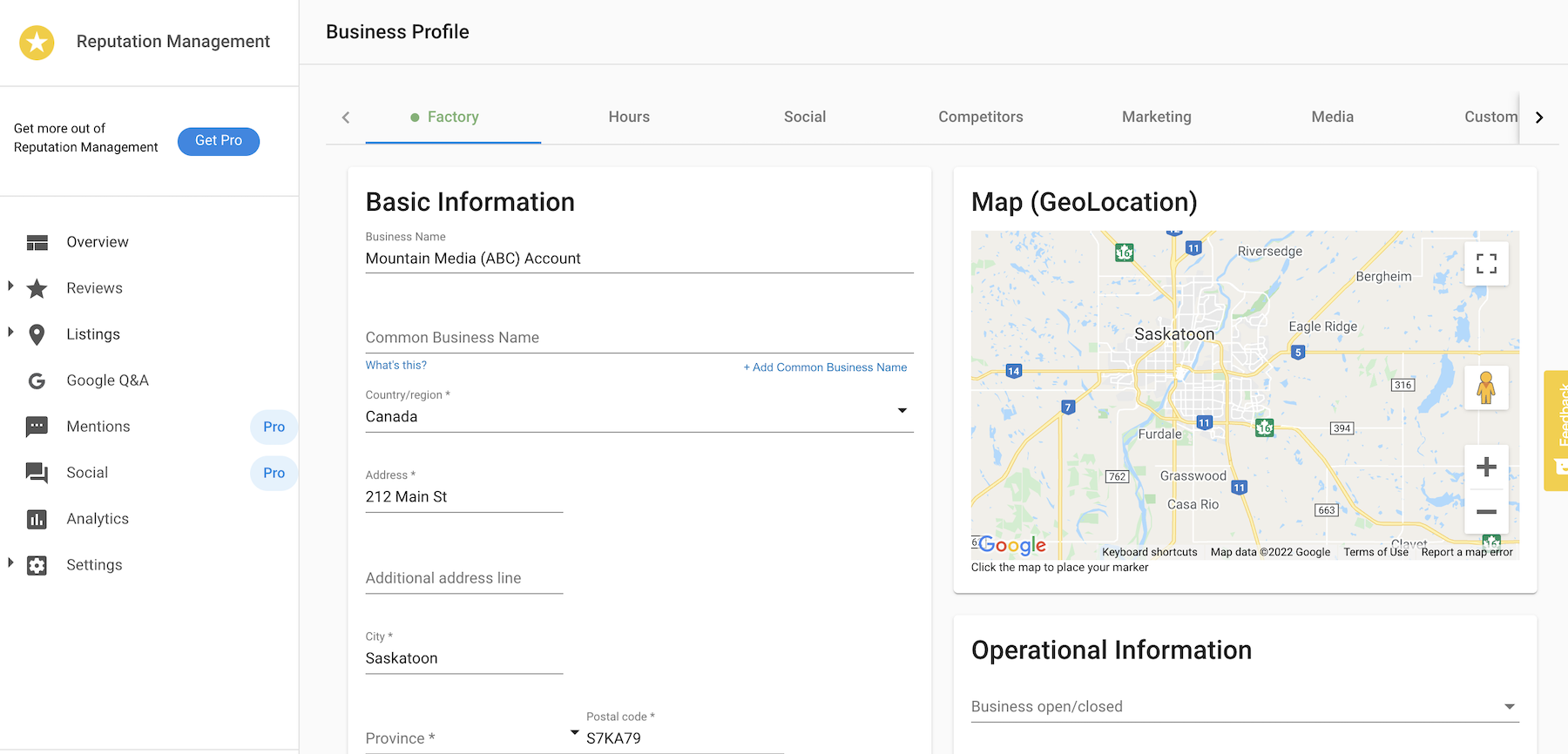
Go to Business App → Reputation AI → Listings → Primary Listings → Edit to open the business profile and update the information as necessary.
After updating, click Save at the bottom of the page.