Sending Review Requests
Reputation AI Premium allows you to send branded review requests to your customers' contacts. This capability is accessible through Review Requests Management within the platform.
To send a review request, follow these steps:
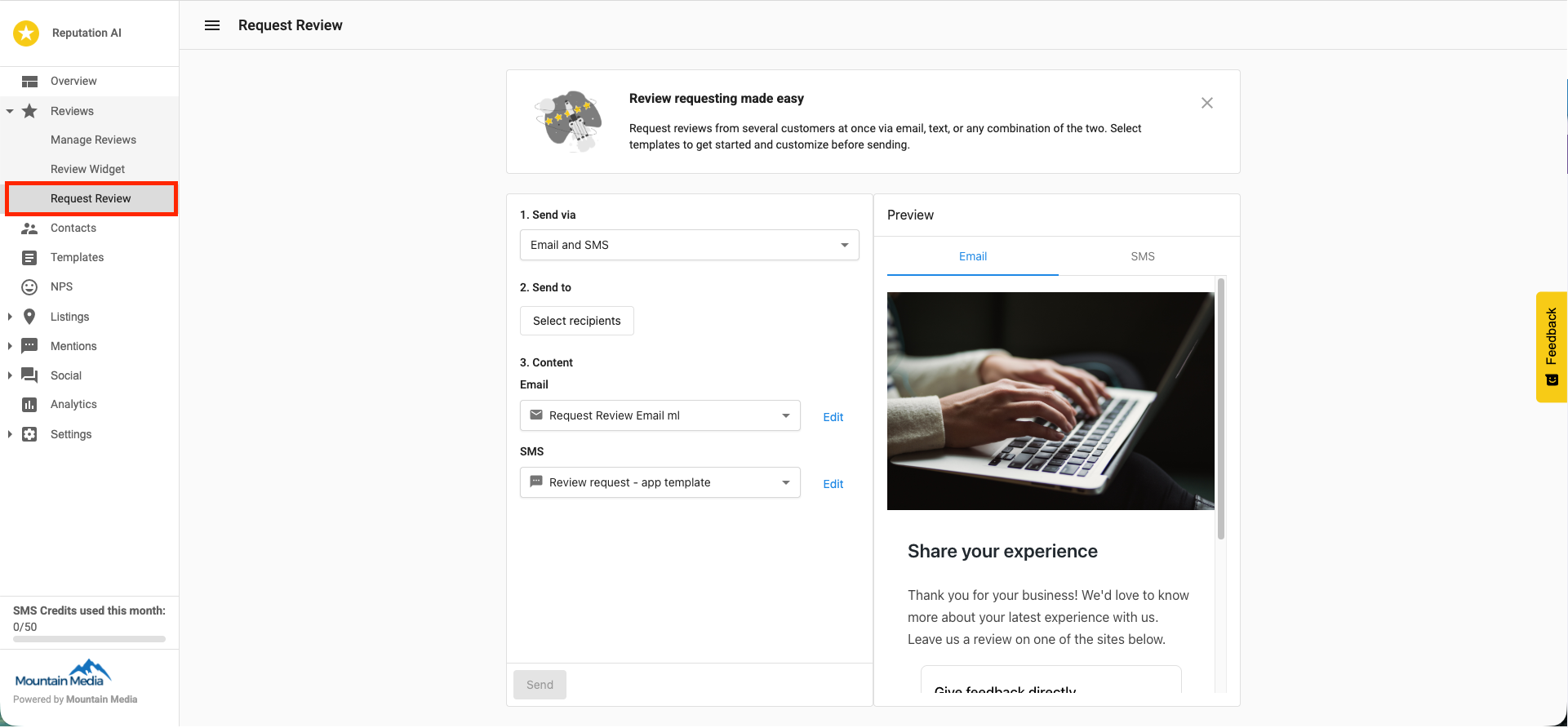
- Click on the
Review Requests Managementtab and selectSend Review Requeststo initiate the process
- Select the review site(s) where you want to direct customers to leave reviews
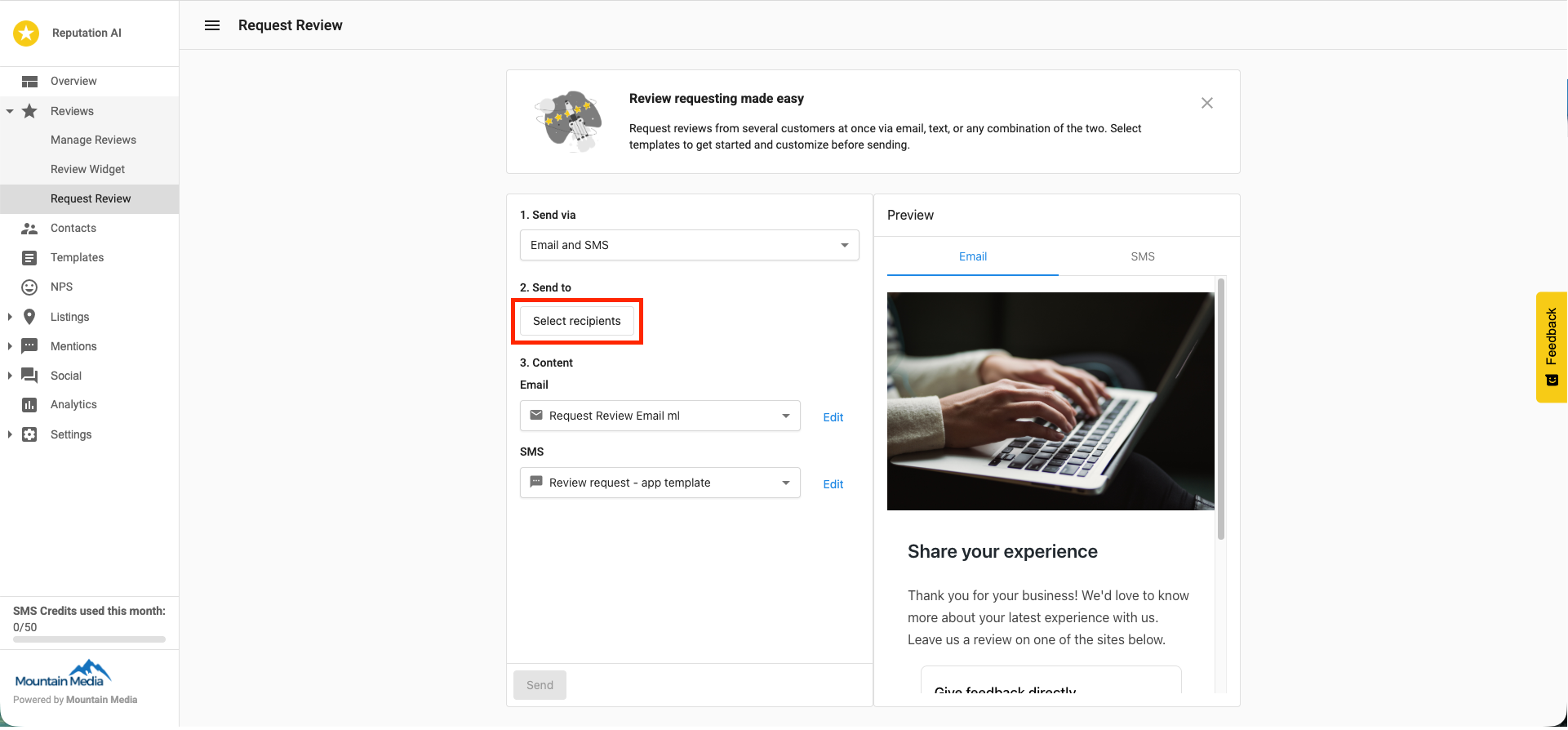
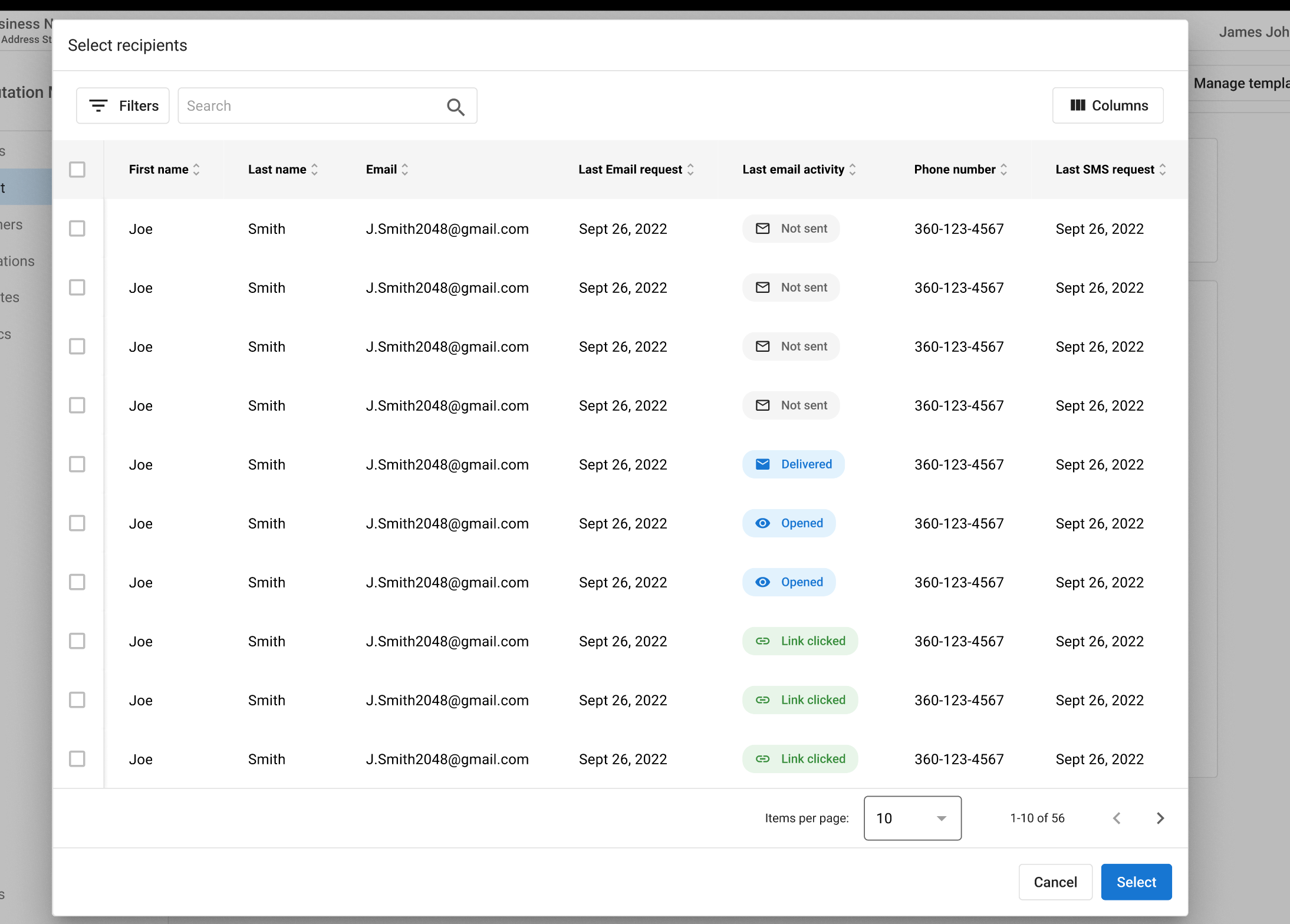
- Add recipient(s) using one of the following methods:
- The
Add Recipientfeature to add customers one at a time - The
Upload Listfeature to bulk upload recipients from a CSV file
- The
-
For individual entries, provide customer information by entering their name and email address
-
For multiple entries with the CSV upload, the file should include:
- First Name
- Last Name
- Email Address
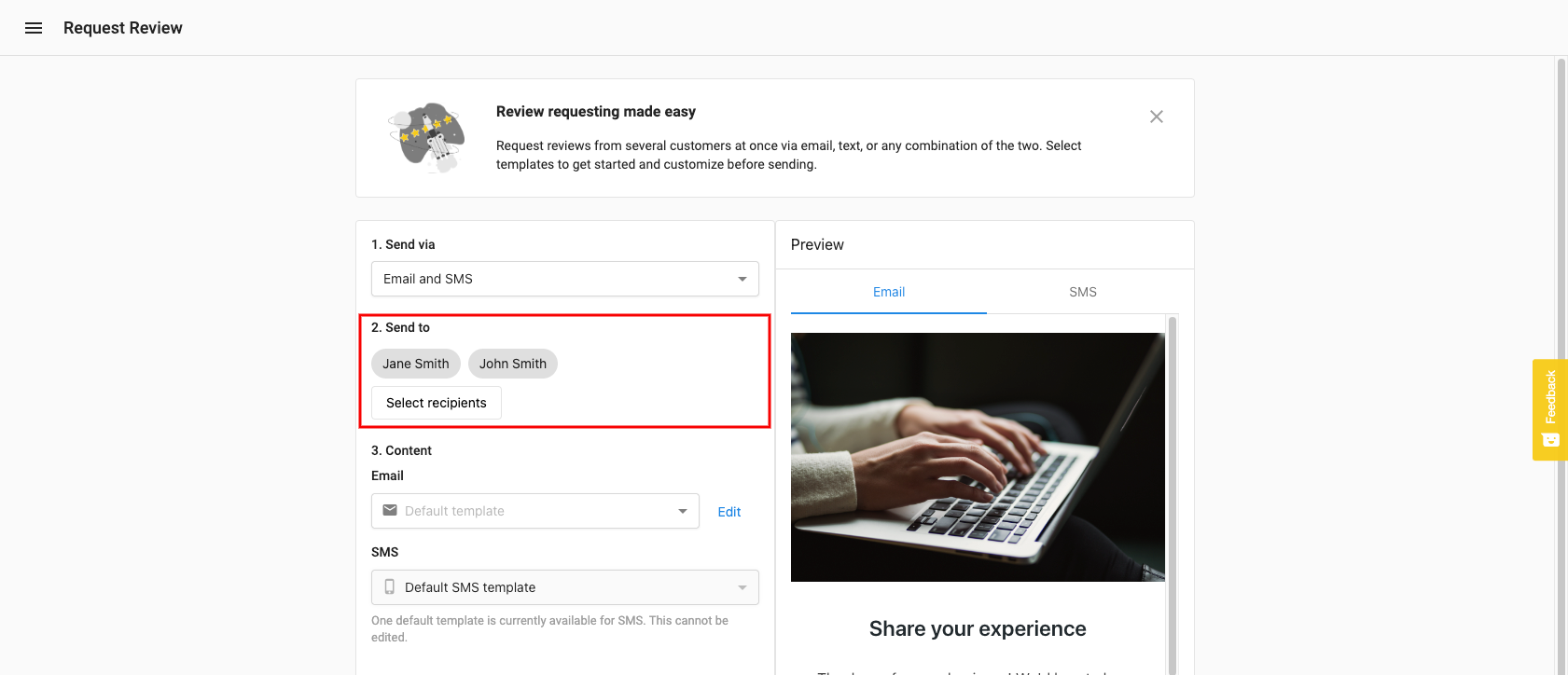
- After adding recipients, select
Add Recipientsto proceed to the email template page
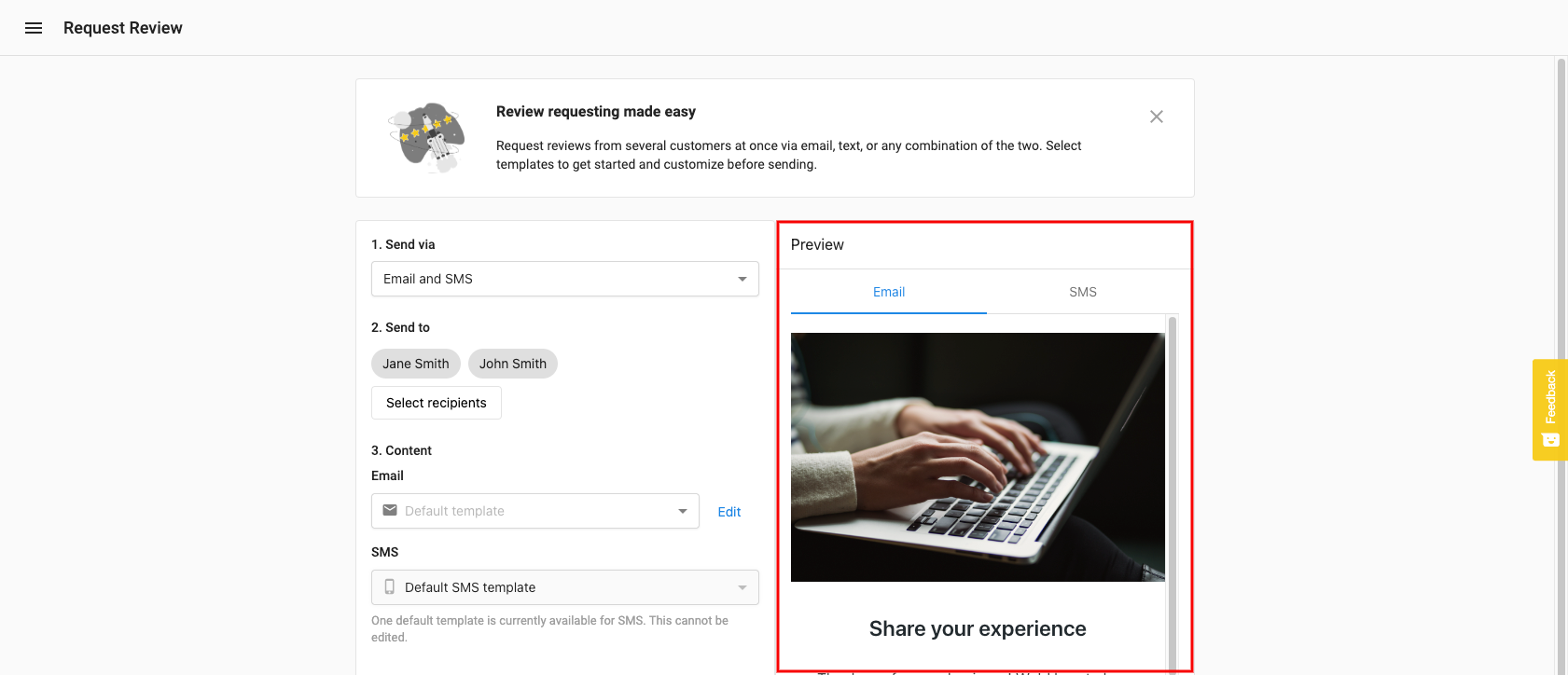
- Customize the email template with the following options:
Email From- Set a specific email address as the senderSubject Line- Modify the default subject lineHeader Logo- Upload a custom imageEmail Body- Edit the message contentBackground Color- Change the background color of the email
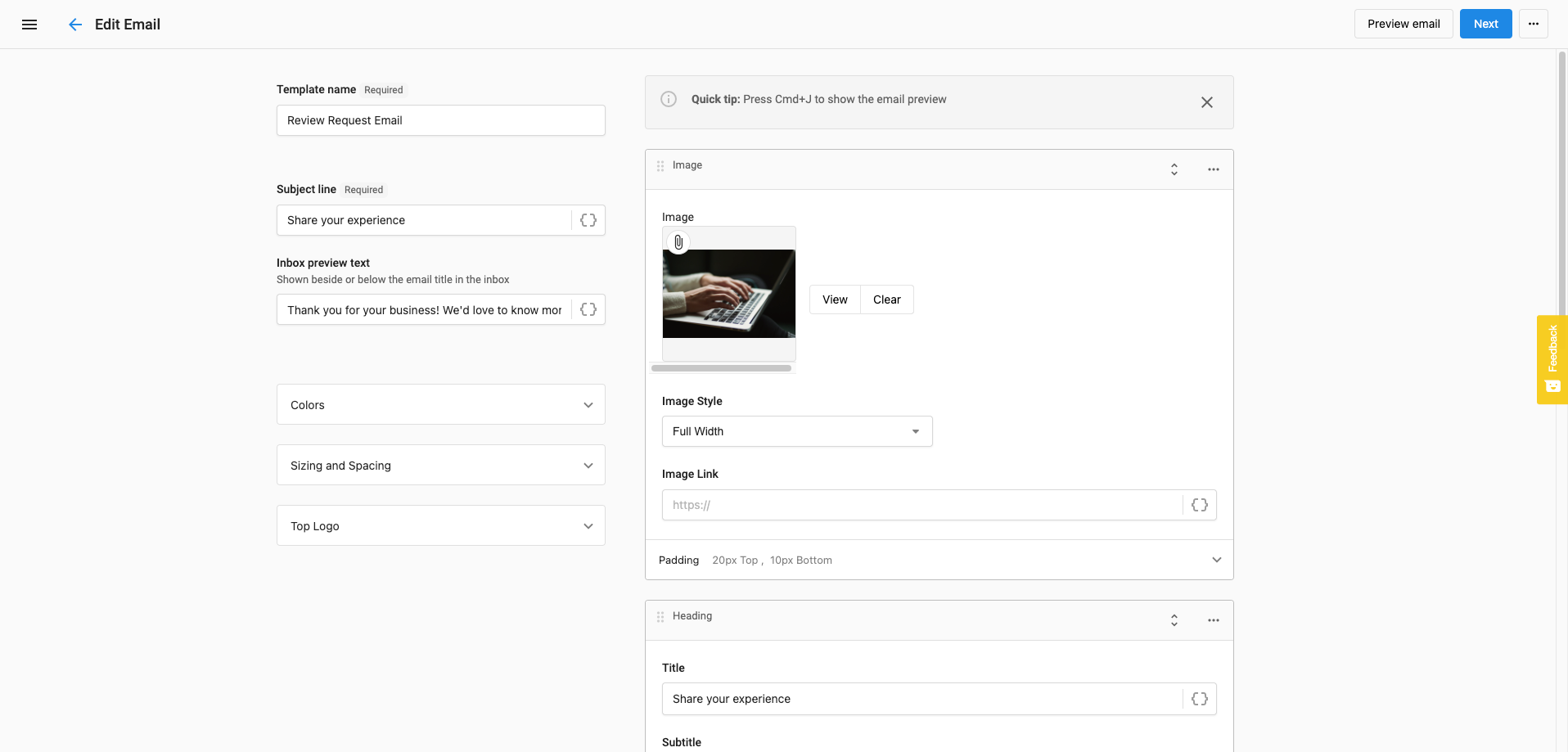
-
Preview the email by clicking the
Previewbutton -
When satisfied with your review request, click
Sendto deliver it to your selected recipients -
View the status of your review requests in the
Requestssection of Reputation AI Premium
Important notes
- One credit is consumed per email recipient
- Each review request batch can be sent to a maximum of 50 recipients
- To send to more than 50 recipients, you will need to create multiple request batches
- Review requests can be scheduled to be sent at a specific date and time
- You can duplicate past review requests to save time on future campaigns