Configuring Interesting Content
The Interesting Content feature in Social AI helps users find interesting articles to share with their social media audience. These are powered by RSS feeds–updated streams of articles powered by various sites across the internet.
Configuring RSS feeds
You can either add a curated RSS feed or add your own.
Using a curated RSS feed
-
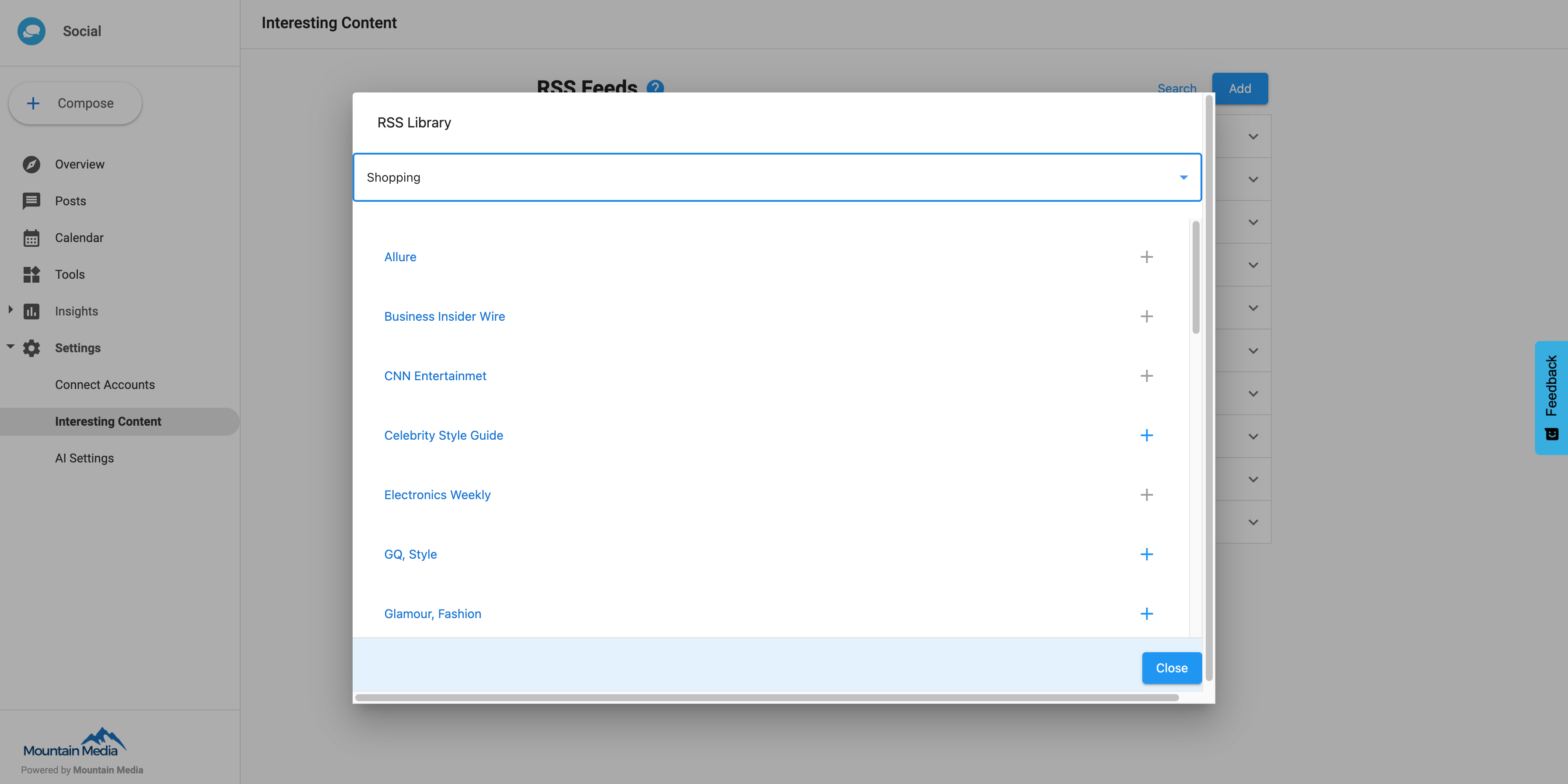
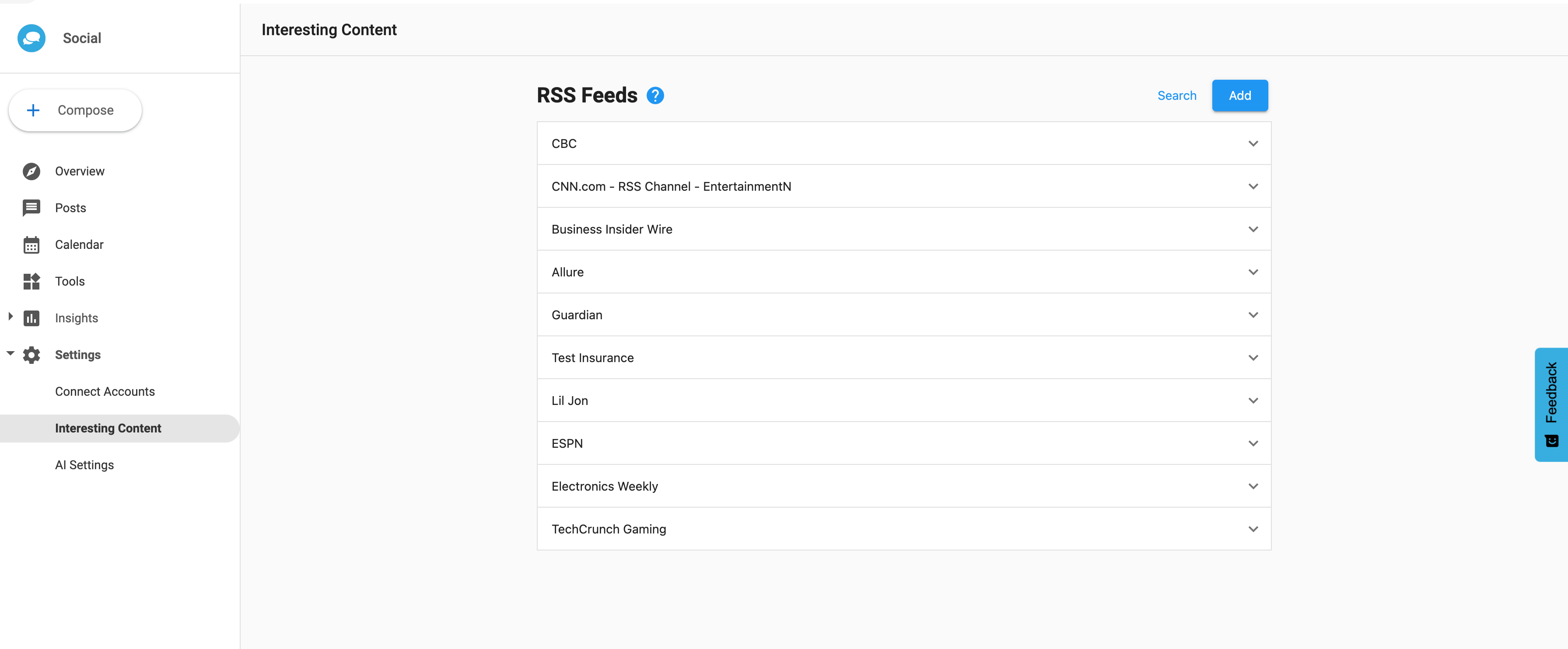
From Social AI > Settings > Interesting Content, click Search.
-
Select a business category.
-
Click + next to any feeds you wish to add to your interesting content feed. You can click on the name of these RSS feeds to view the pages they are powered by.