Set up WooCommerce payments
To set up WooCommerce payments:
-
Navigate to the WordPress Dashboard from WordPress Hosting Standard/Pro.
-
Click on
WooCommercein the left navigation, then selectSettings. -
Click on
Payments.
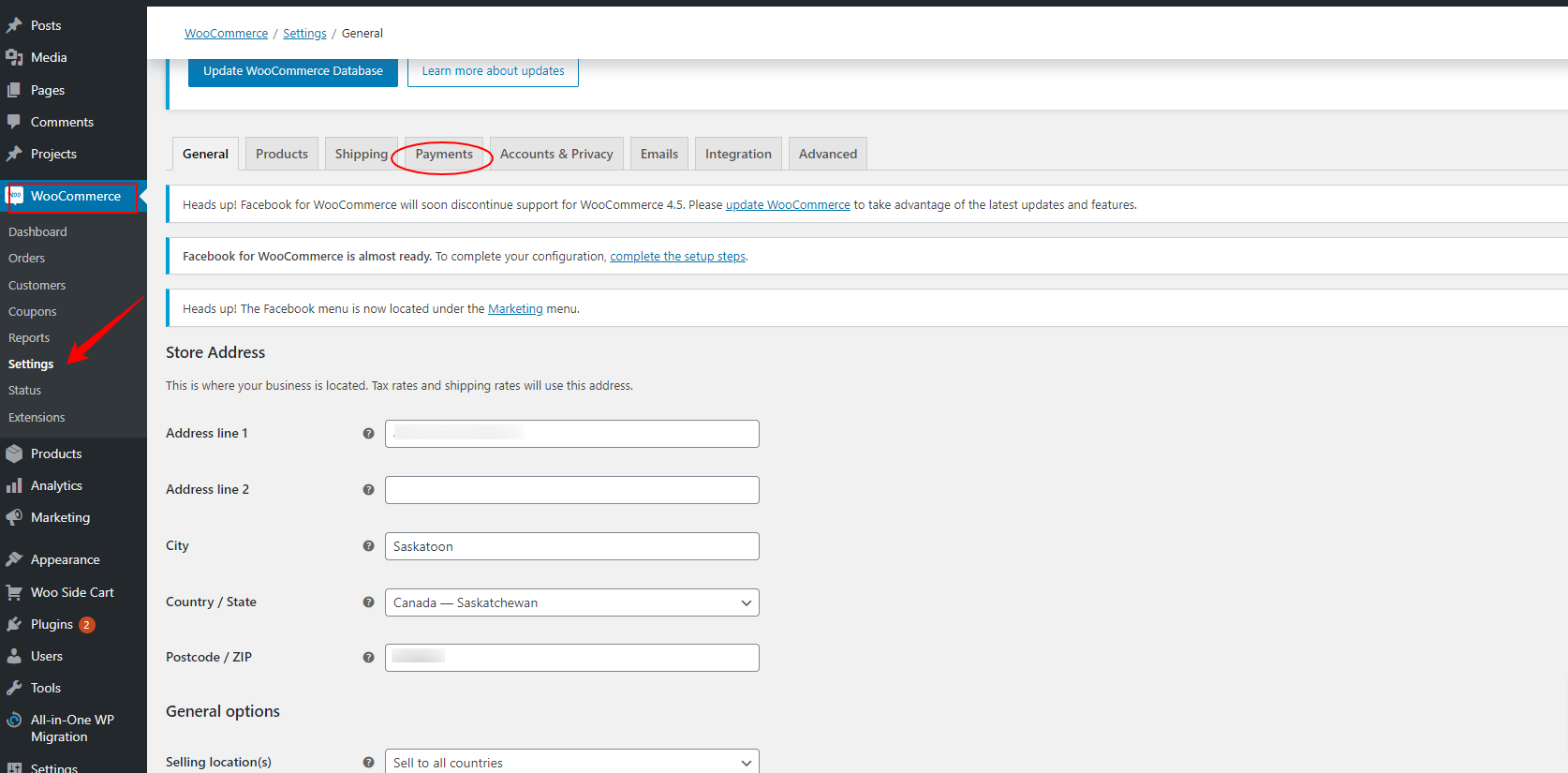
- Select the payment method and complete the setup for the selected method.

-
Click
Saveat the bottom of the page. -
(Optional) To test the payment flow, enable
Sandboxmode.
