Connecting Google Ads Manager
What is Google Ads Manager?
Google Ads Manager helps businesses manage and monetize their digital ad inventory. It's a platform for managing ad delivery and tracking performance data across your campaigns.
Connecting Google Ads Manager
To connect Google Ads Manager to Advertising Intelligence, you need:
- An active Google Ads Manager account
Steps to connect
-
Open
Advertising Intelligencein your Business App. -
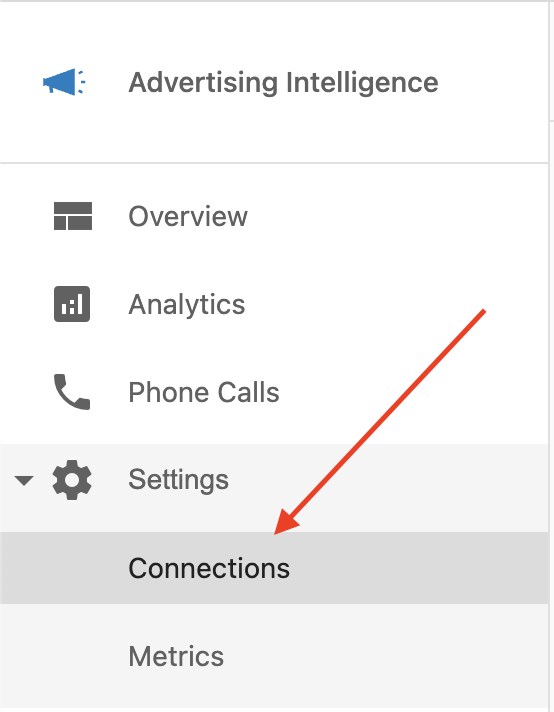
Click
Integrationsfrom the left-hand navigation menu. -
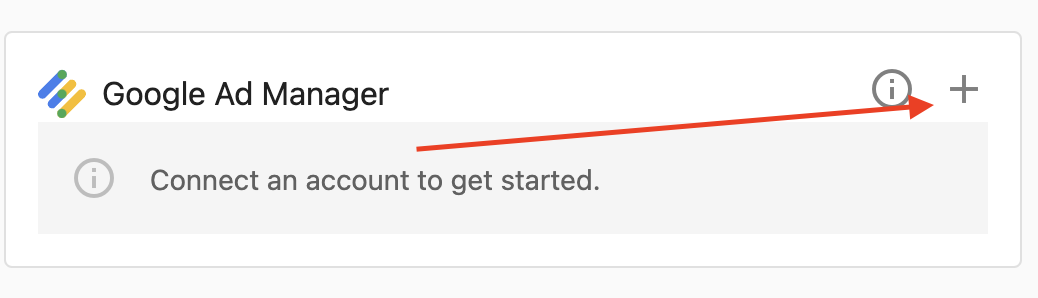
Click the
Connectbutton for Google Ads Manager.
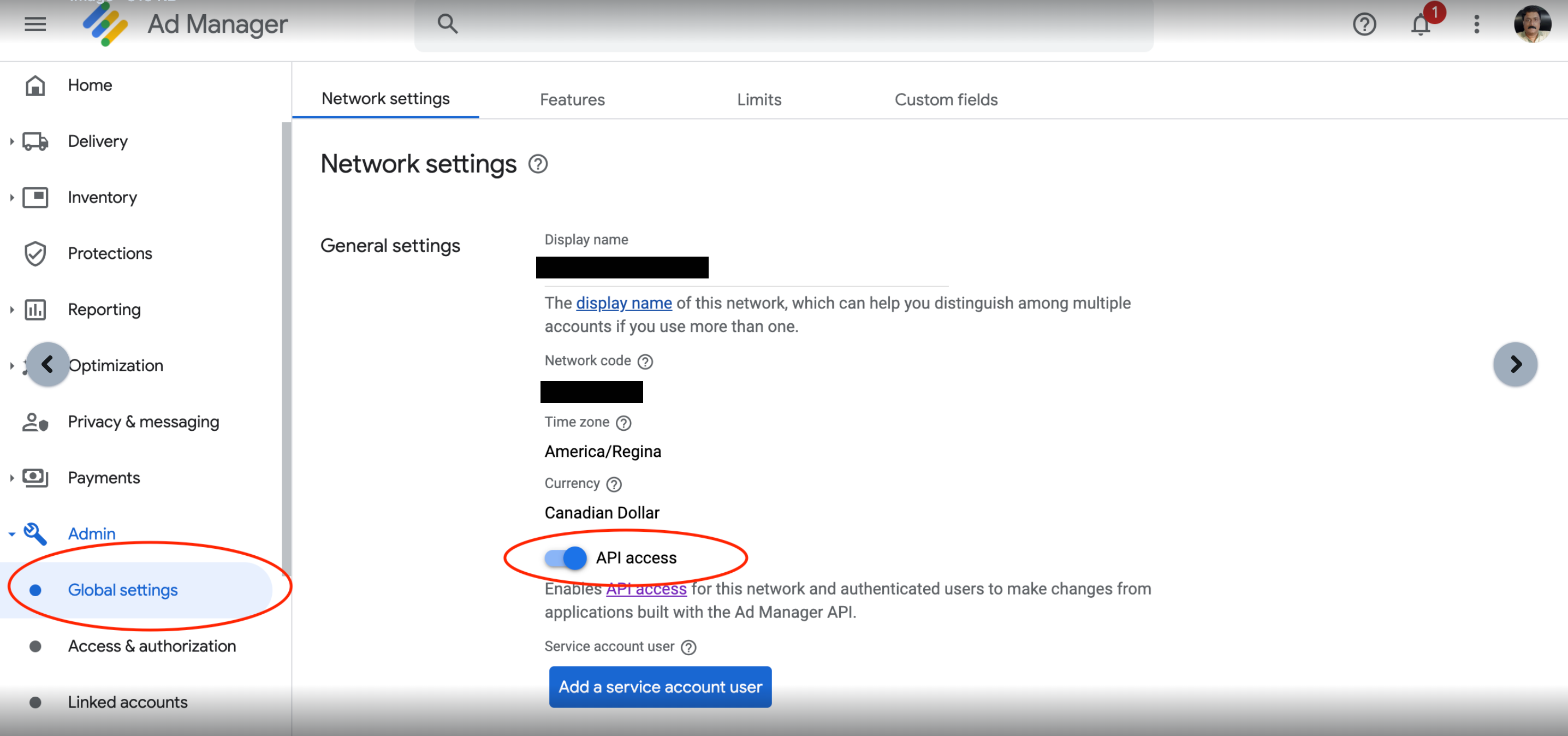
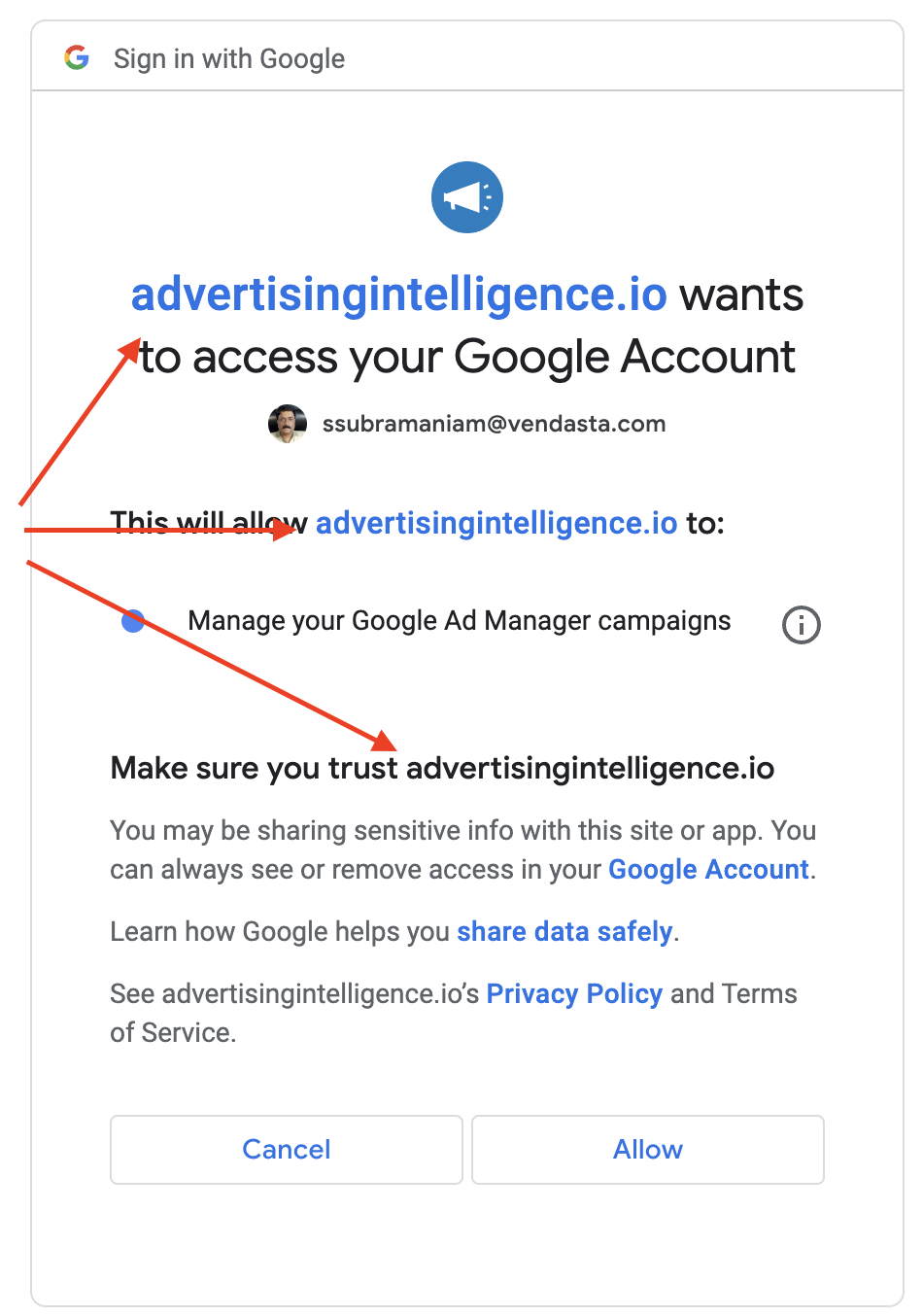
- You're redirected to the Google authorization screen. Click
Continue.
- Select your Google account.
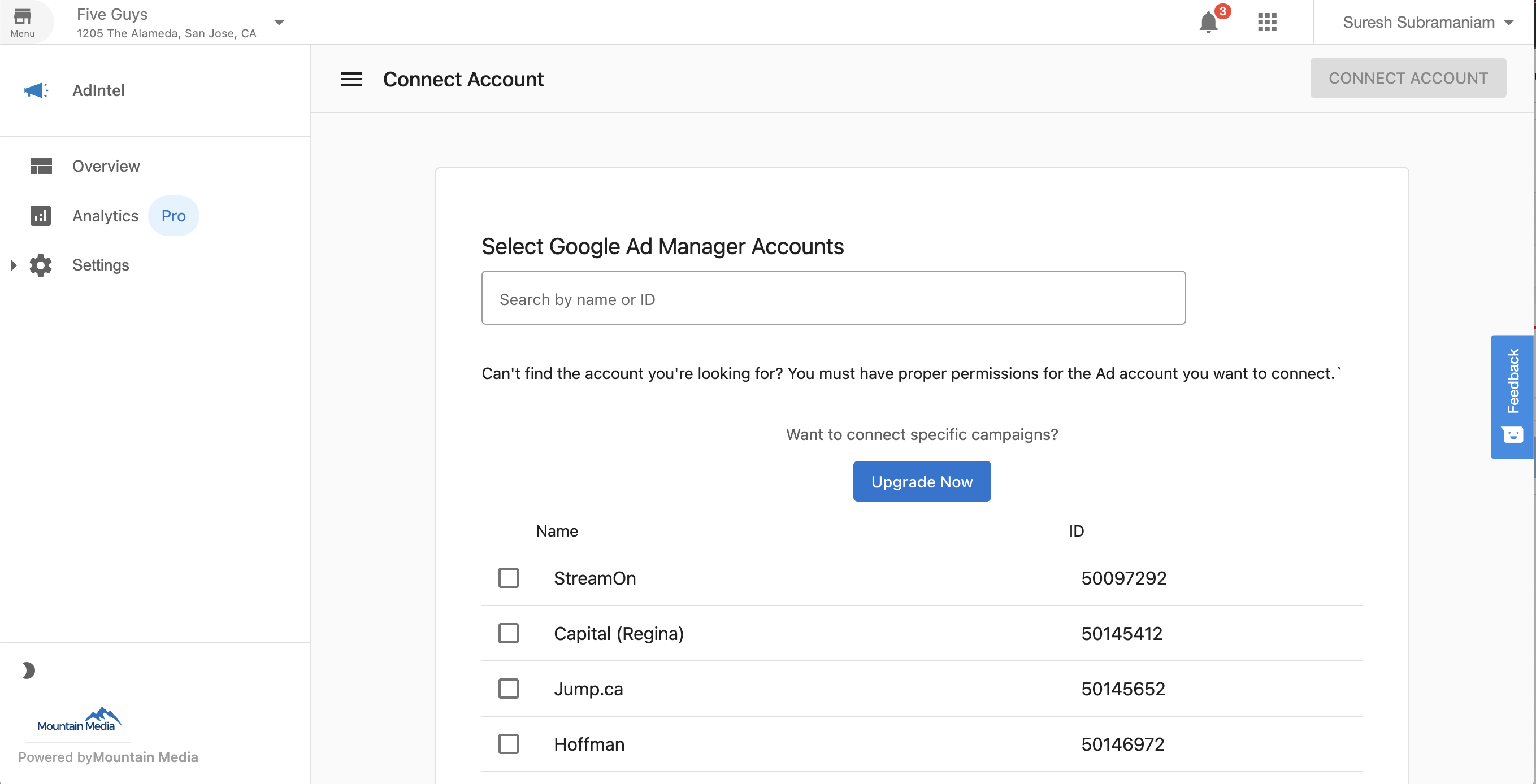
- Select your network.
- Click
Allowto grant the required permissions.
- After successful connection, you're redirected back to
Advertising Intelligence, and Google Ads Manager shows as connected.
Viewing your Google Ads Manager data
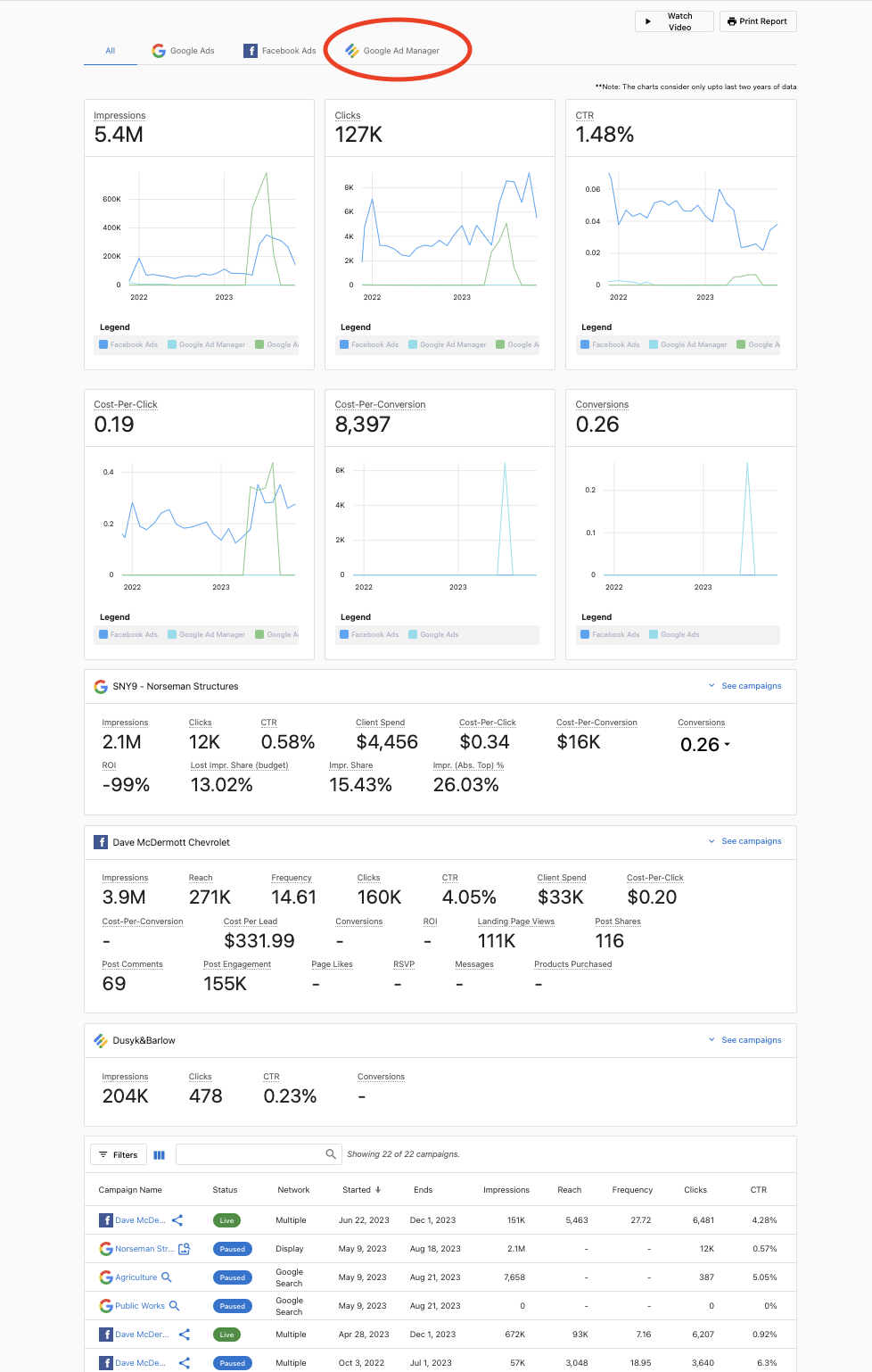
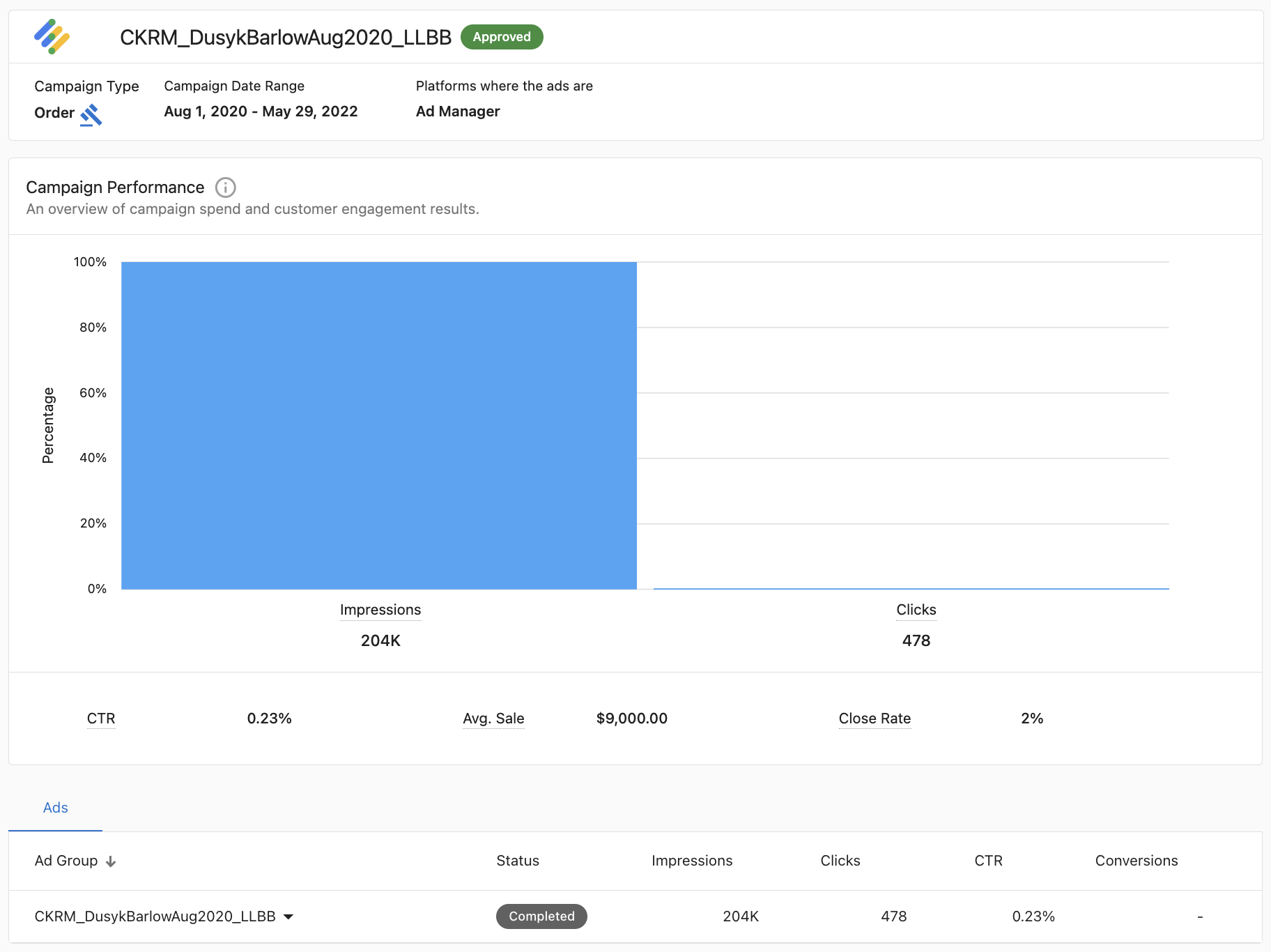
Once connected, you can access Google Ads Manager data within Advertising Intelligence.
Disconnecting Google Ads Manager
warning
Disconnecting will stop data from syncing. Reconnect later if you need to restore the integration.
If at any point you need to disconnect Google Ads Manager:
- Navigate to
IntegrationsfromAdvertising Intelligence. - Find Google Ads Manager in the list of integrations.
- Click the
Disconnectbutton. - Confirm the disconnection when prompted.
Troubleshooting
- Ensure you're logged into the correct Google account that has access to Google Ads Manager.
- Verify that your Google Ads Manager account is active and in good standing.
- Check that you're granting all the required permissions during the authorization process.
- Clear your browser cache and cookies, then try the connection process again.
- If problems persist, contact your support team for assistance.