Opportunity automations
Create opportunities automatically from webchat
You can create an opportunity when a lead is captured from webchat.
Example: Create an opportunity and follow up from webchat
Requirements: Conversation AI must be active.
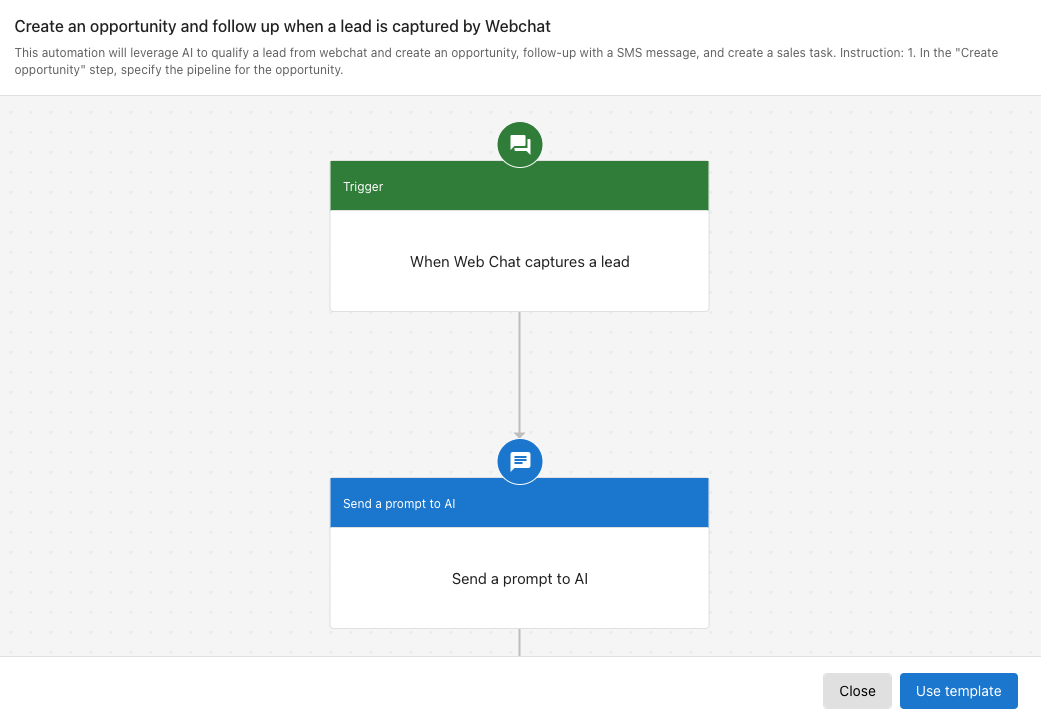
Automation behavior:
- Triggered when a lead is captured through webchat
- Webchat summary is sent to AI
- AI identifies the requested service and creates an opportunity
- A follow-up SMS message is sent to the contact
- A sales task is created for further follow-up
Steps to set it up
- Go to
Automation. - Click
Create automation. - Search for the template
Create an opportunity and follow up when a lead is captured by Webchat. - In the
Create opportunitystep, choose the appropriate pipeline. - Review and customize the steps to match your workflow.
Automate actions based on opportunity stages
You can start nurturing campaigns or send communications when an opportunity reaches a specific stage.
Example: Trigger a campaign when an opportunity moves to a nurturing stage
Requirements: Campaign Pro with SMS credits must be active.
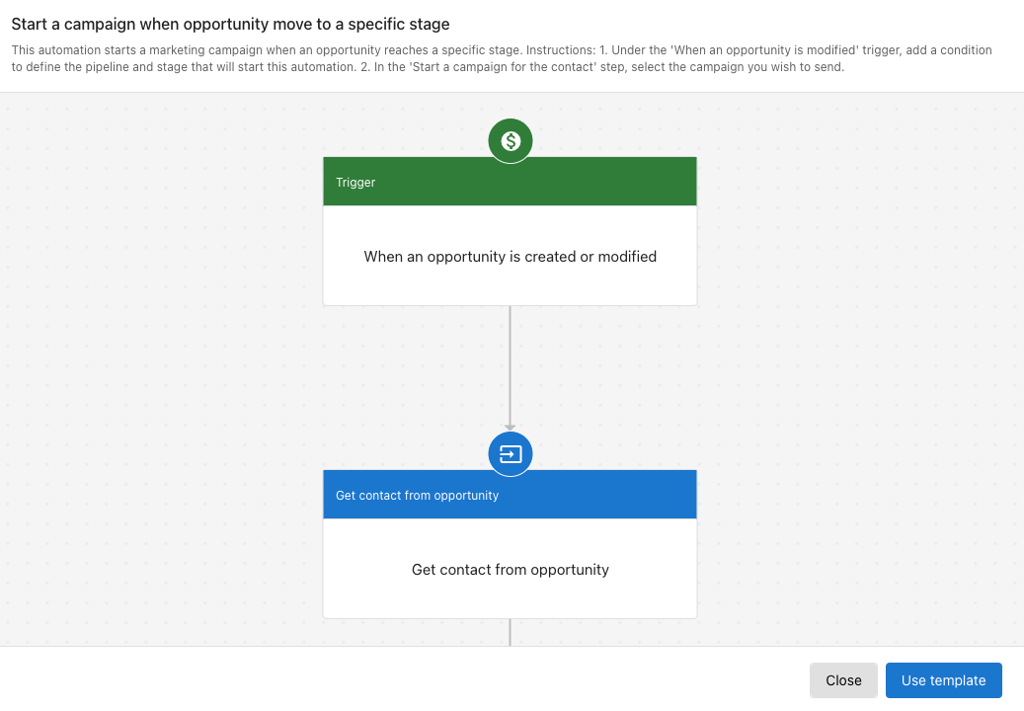
Automation behavior:
- Triggered when an opportunity enters a specified nurturing stage
- Finds the contact associated with the opportunity
- Starts a predefined campaign
Steps to set it up
- Go to
Automation. - Click
Create automation. - Search for the template
Start a campaign when opportunity moves to a specific stage. - In the
When an opportunity is created or modifiedstep, set the pipeline and stage conditions. - In the
Start a campaign for contactstep, select the desired campaign. - Review and adjust the automation as needed.
Move opportunities to a stage automatically
You can move an opportunity to a specific stage when a defined trigger occurs, such as booking a meeting.
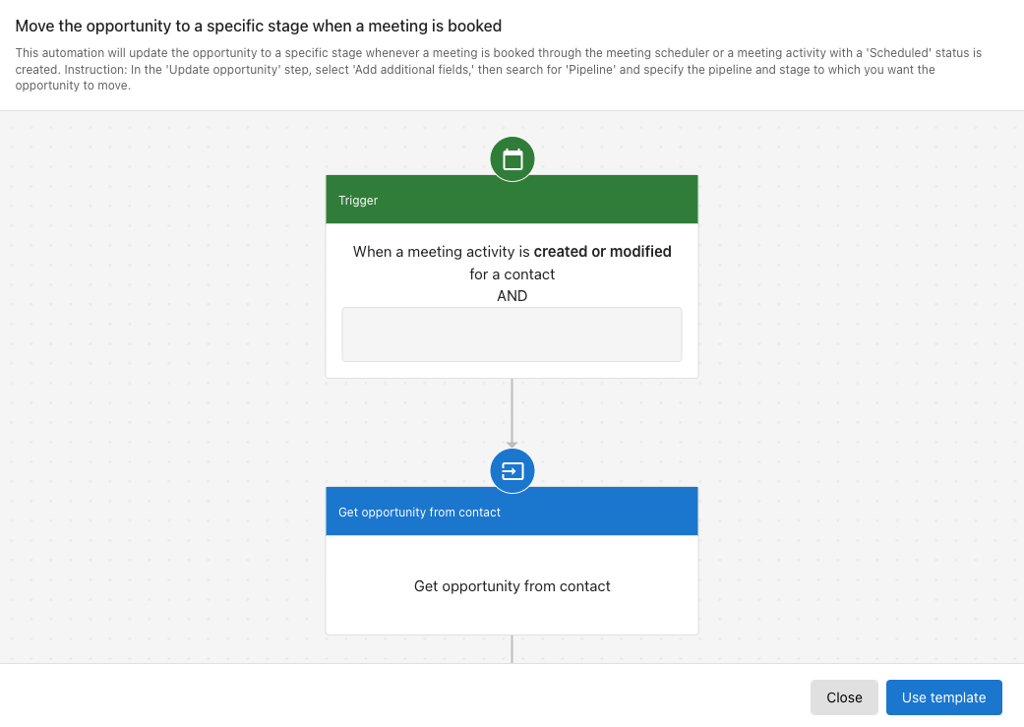
Example: Move opportunity to "Appointment Set" when a meeting is booked
Automation behavior:
- Triggered when a meeting activity is created or modified
- If the meeting status is
Scheduled, the opportunity is moved to the "Appointment set" stage
Steps to set it up
- Go to
Automation. - Click
Create automation. - Search for the template
Move the opportunity to a specific stage when a meeting is booked. - In the
Update opportunitystep, set the correct pipeline and target stage. - Customize the steps as needed for your process.
See Automations for more on building and managing automations.