Update company trigger in Business App automations
You can use the When a Company is created or modified trigger to run automations based on company changes.
How to set up the company trigger
Step 1 – Go to Business App → My Business → Automations.
Step 2 – Create an automation and set the trigger to When a Company is created or modified.
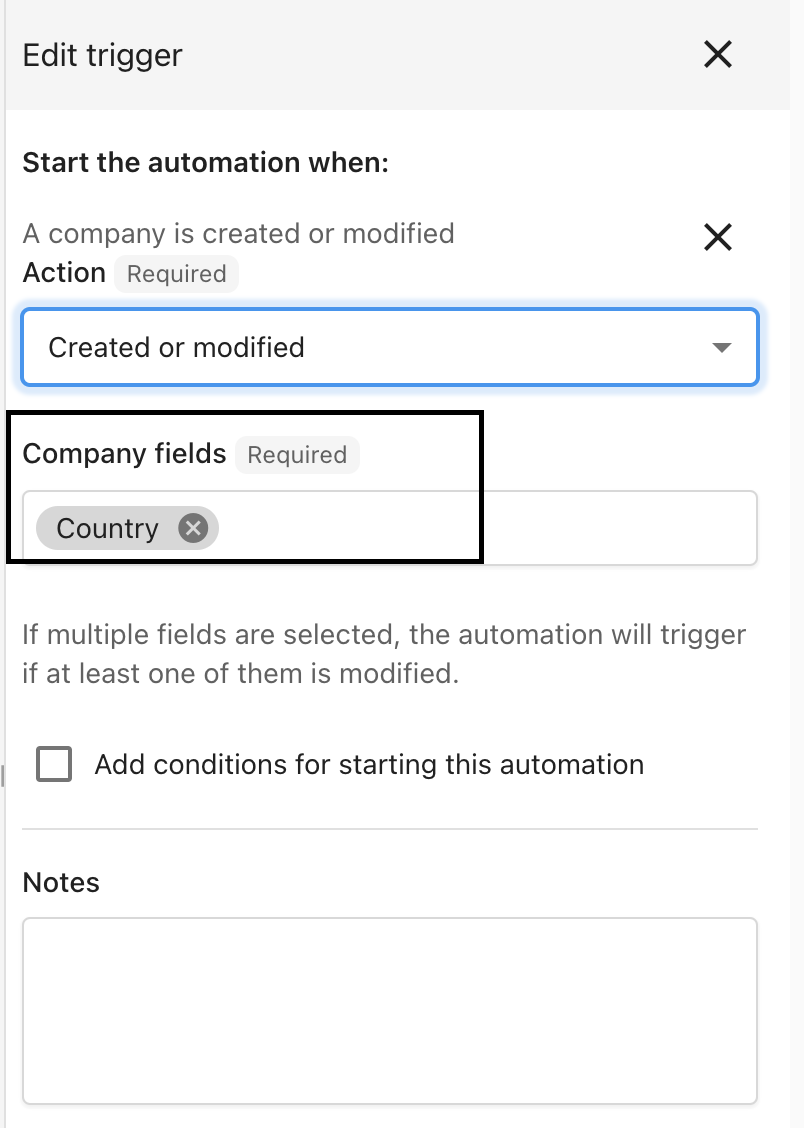
Step 3 – In the side panel, choose the fields that must change for the automation to run. This prevents every company update from triggering the automation.
Step 4 – Turn the automation on using the toggle at the top right.
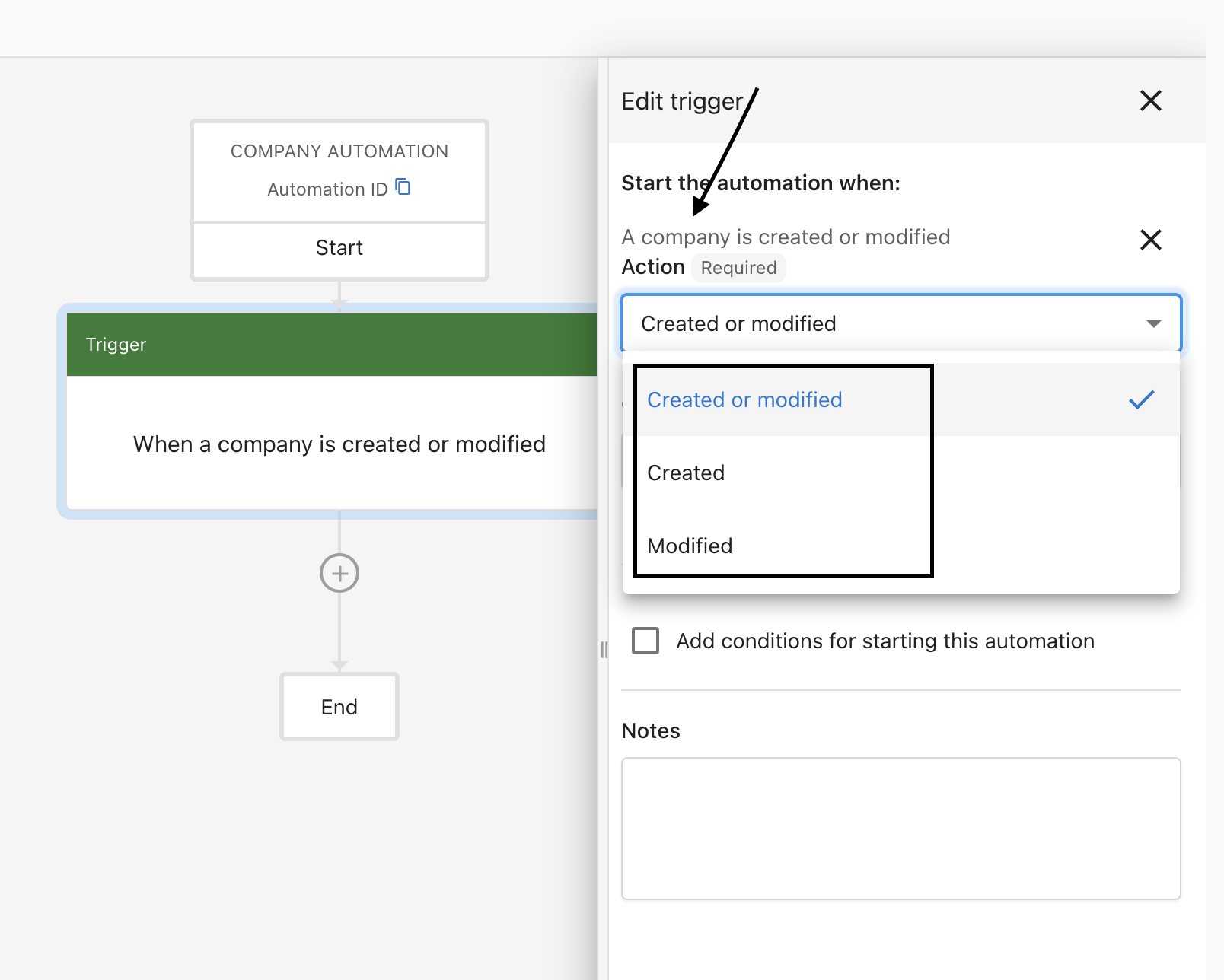
Step 5 – You can also choose which updated field(s) trigger the automation.