Roofing Quote Estimator
A service estimator is one of the strongest demonstrations of what Vibe can do for a trade or home services client. This example walks through building a quote calculator for a roofing company, complete with a contact intake form that routes leads directly to the CRM.
Before you start
Before running the prompt, enable the Forms connector — open your project's settings and select Connectors (see project settings), then toggle Forms on. The contact intake form routes leads to Business App through this connector. If it isn't enabled first, the form will appear in the app but submissions won't be captured.
The prompt
Build a roofing quote estimator for my business. Use my business information for the company name and contact details. Include fields for home square footage, number of stories, roof pitch, and material type (asphalt shingles, architectural shingles, and metal roofing). Show an estimated cost range based on the selections, and add a note that the estimate is subject to a full inspection. At the bottom, include a contact intake form that captures the customer's name, email, phone number, and property address. Keep the design clean and professional.
What Vibe built
From that single prompt, Vibe produced:
- A form that collects home square footage, number of stories, and roof pitch
- Material selection (asphalt shingles, architectural shingles, metal roofing)
- An option to include or exclude tear-off of existing shingles
- An estimated cost range based on the selected inputs
- A disclaimer noting the estimate is subject to a full inspection
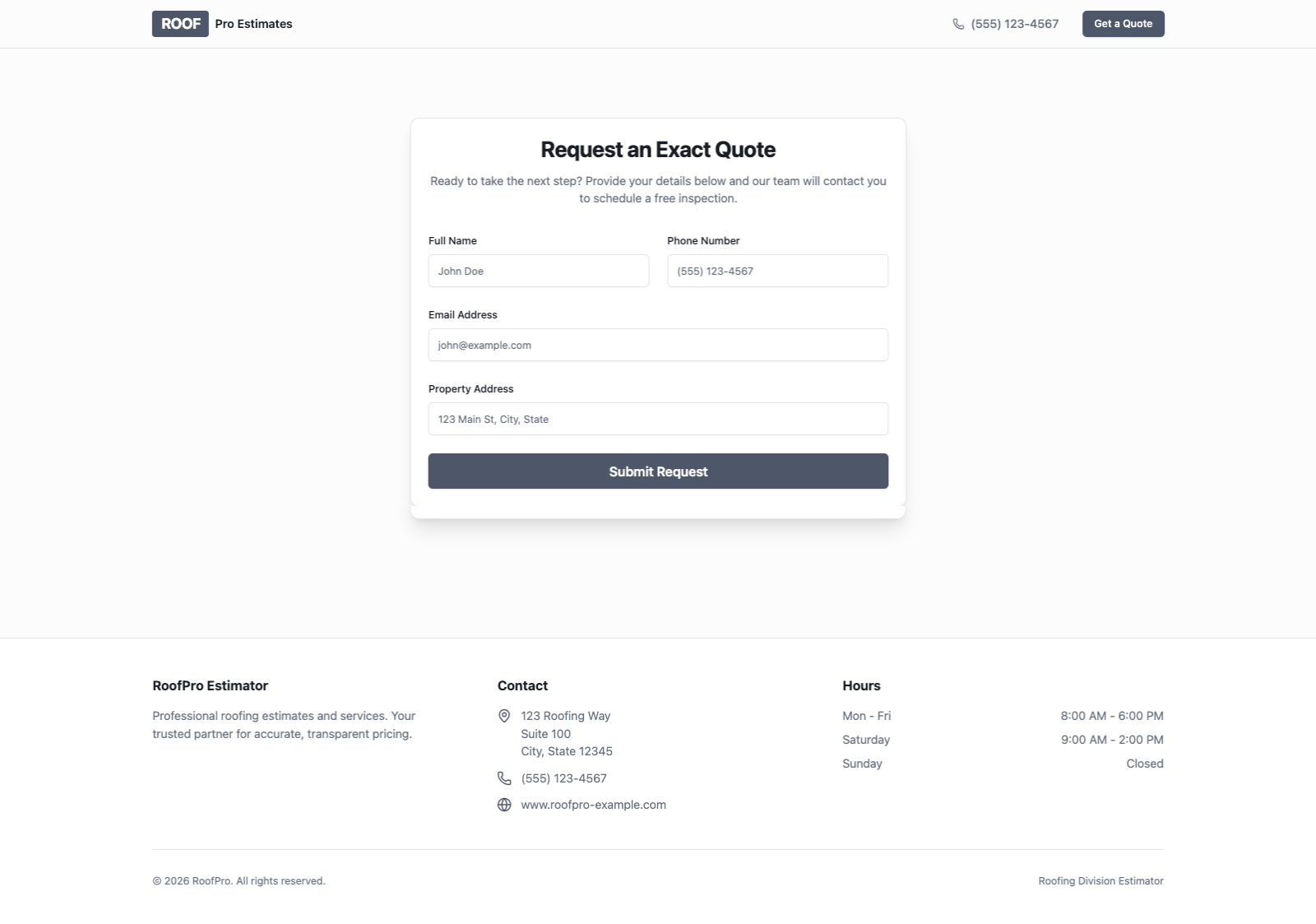
- A contact intake form collecting name, email, phone number, and property address
- Business name and contact details auto-populated from the Business Profile

What made this work
"Use my business information" pulled real details automatically. The company name and contact details appeared in the generated app without any manual entry. The Business Profile handled it.
"Contact intake" wired the form to the CRM. Using that specific phrase — rather than "contact form" or "lead capture form" — is what causes the Forms connector to route submissions to Business App. Without it, the form appears but leads aren't captured.
Specifying each input field produced a cleaner result. Listing the exact fields (square footage, stories, pitch, material type) gave Vibe a precise target and avoided a generic output that would need more follow-up prompting to correct.
Tips for this use case
Add real material and labour costs to Business Knowledge. The default output uses general pricing approximations. For more accurate estimates, open your project's settings and select Knowledge, then add a Note with the client's actual material and labour rates. Once it's there, prompt Vibe to use it:
Update the estimator to use the pricing from my Business Knowledge instead of the default approximations.
If the client has a pricing page on their website, you can add it as a URL in the same Knowledge section rather than pasting the rates manually.
Embed it on their website. Once the estimator is built, it can be embedded on the client's existing website or deployed with a custom domain.